Test-fit any plot. Keep the trees.
Real plots from New York City, Netherlands, Spain, New South Wales, France, Poland, Czechia, Croatia
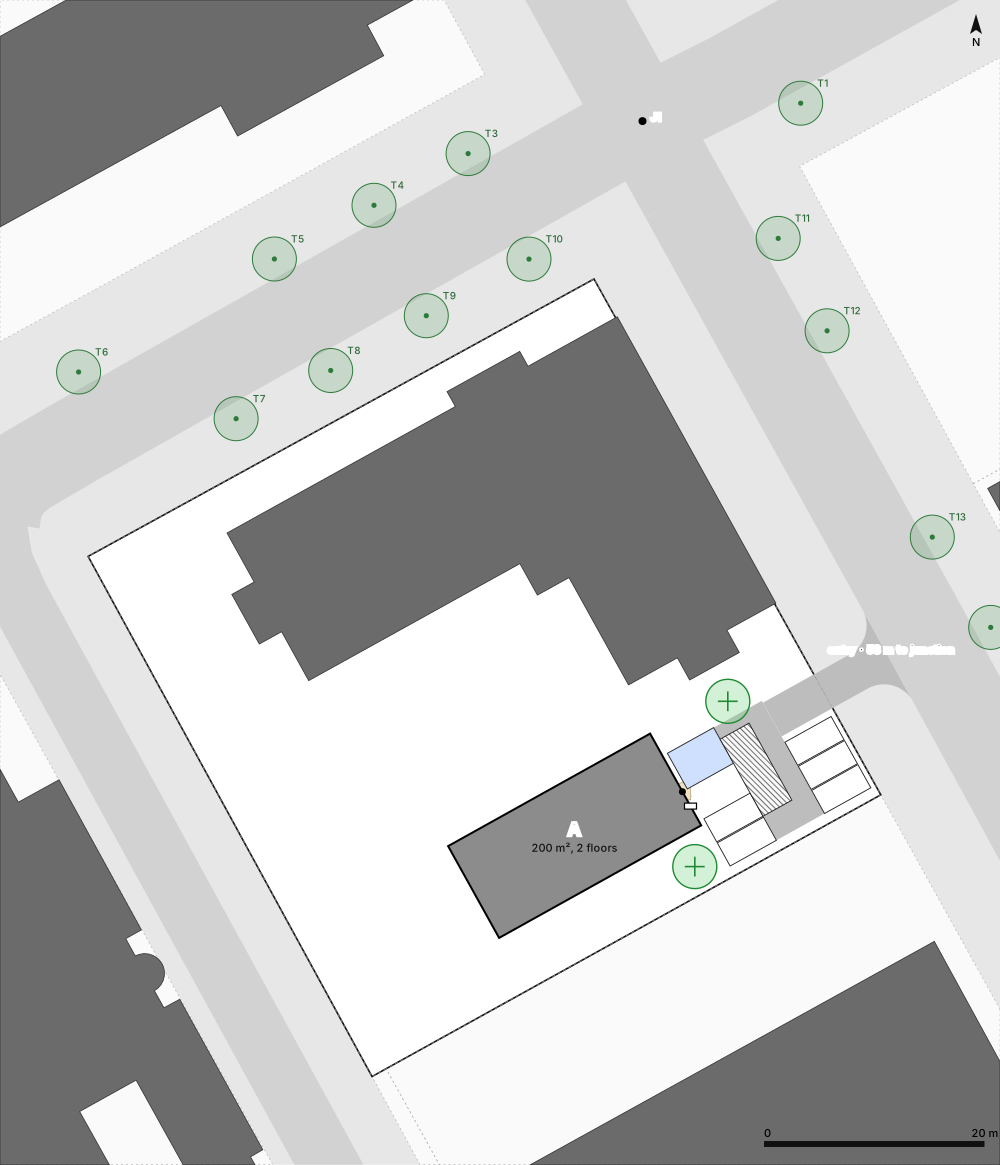
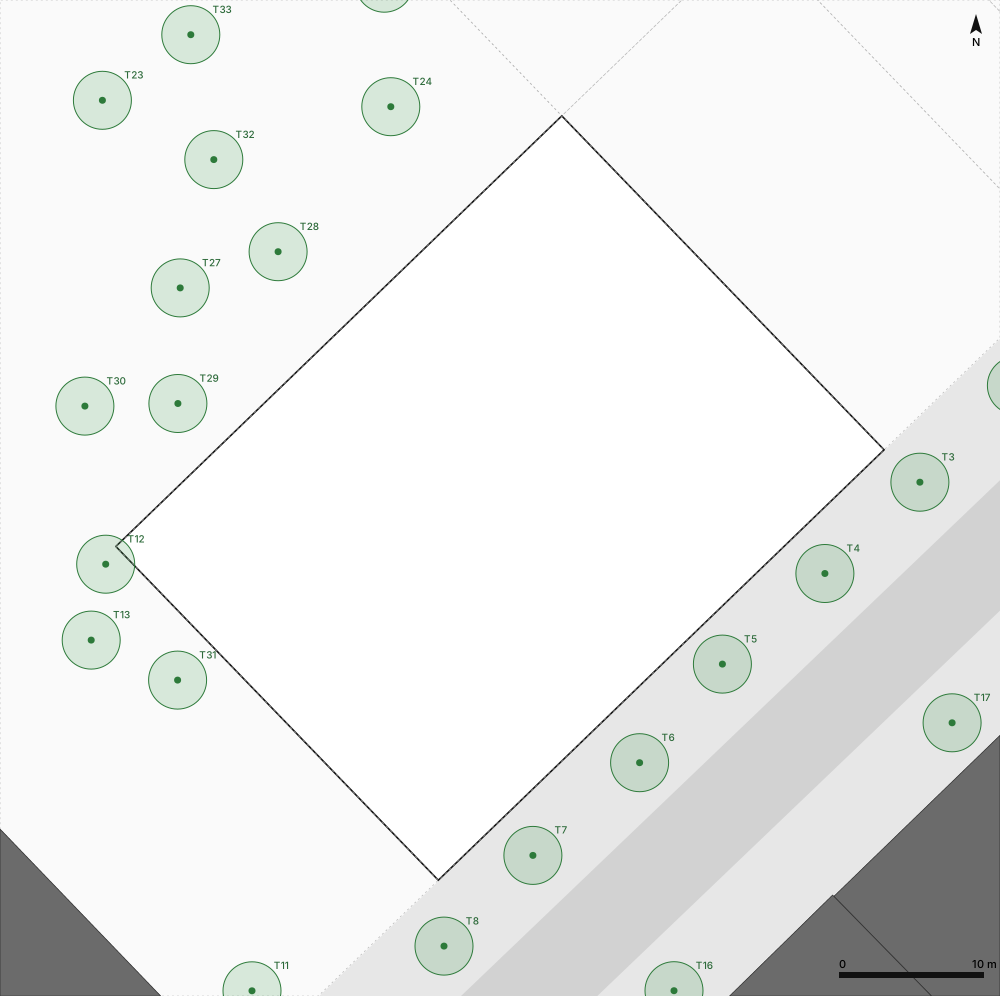
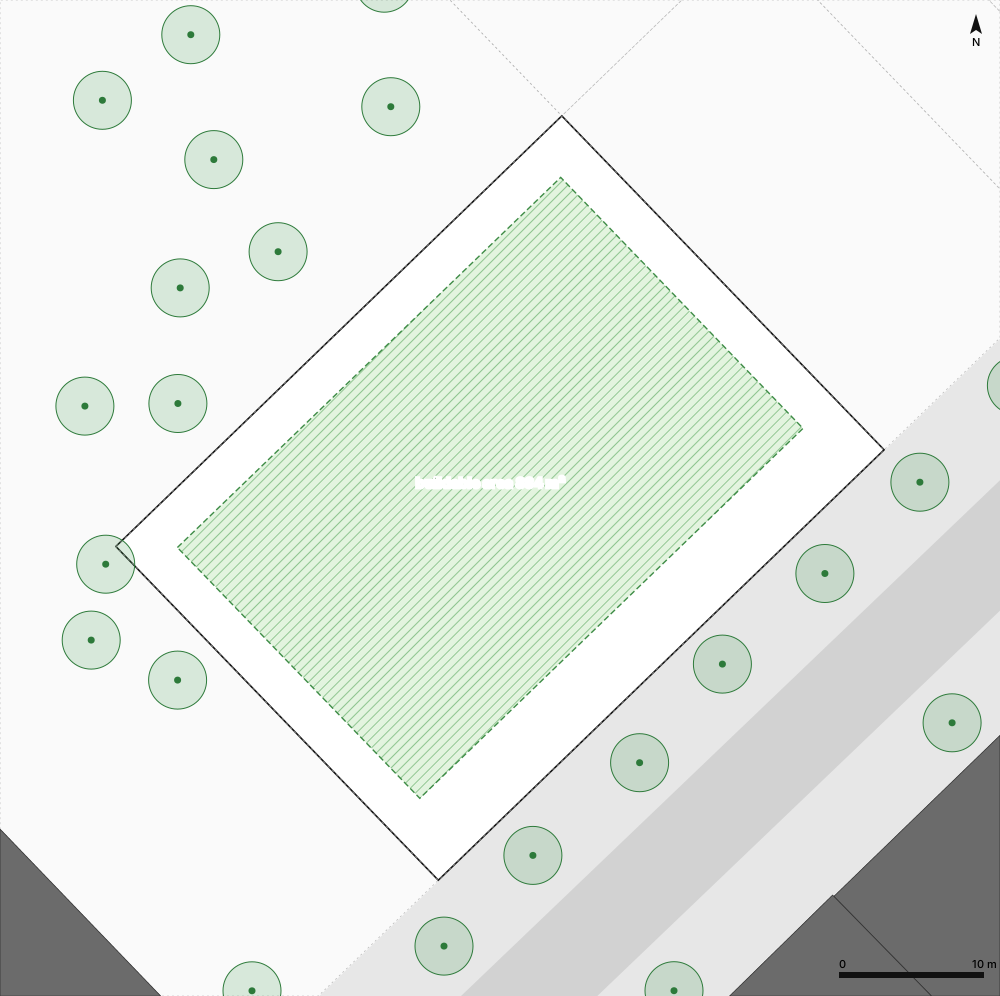
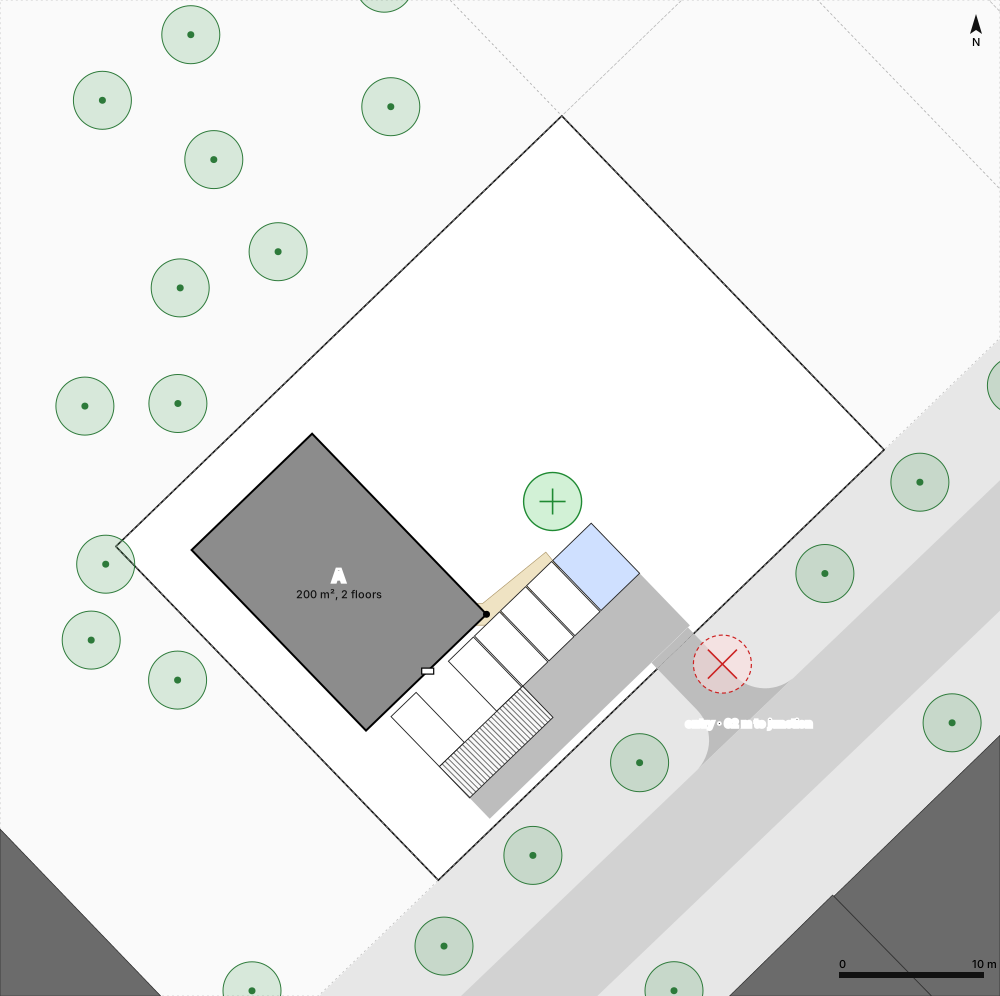
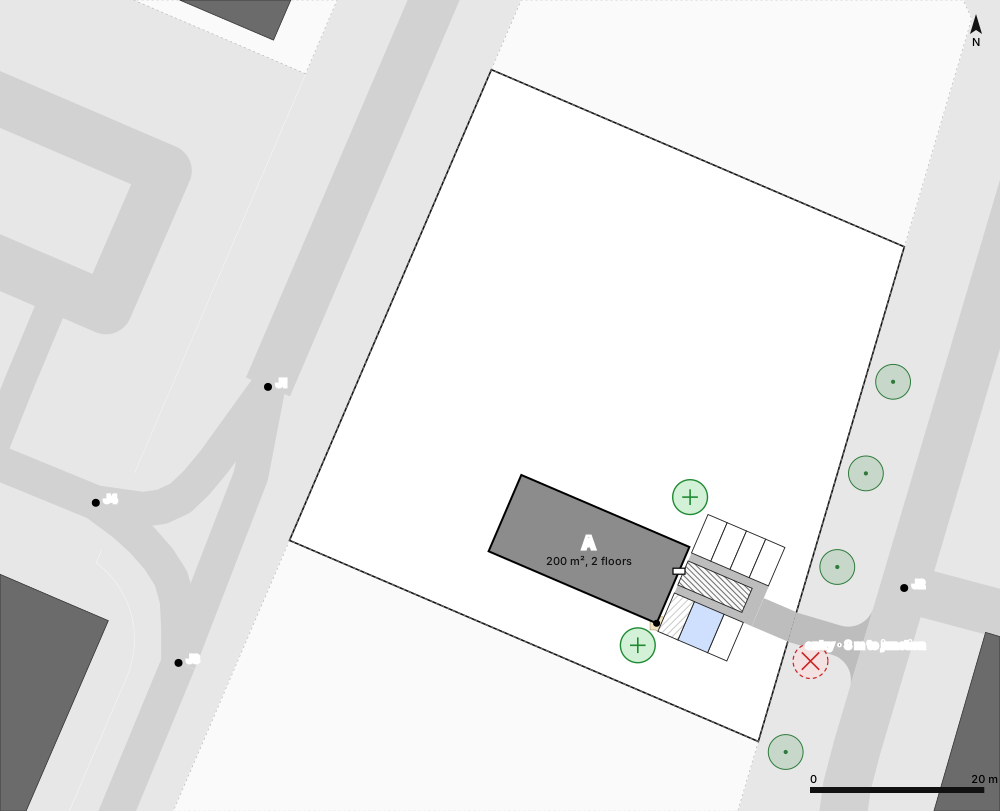
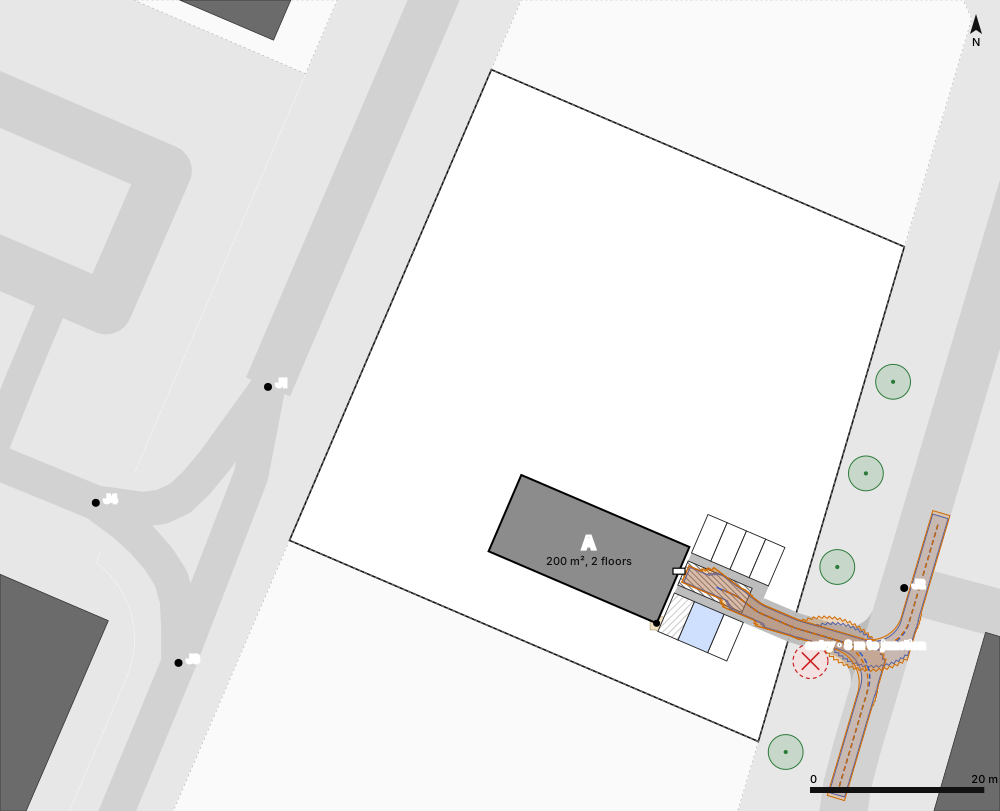
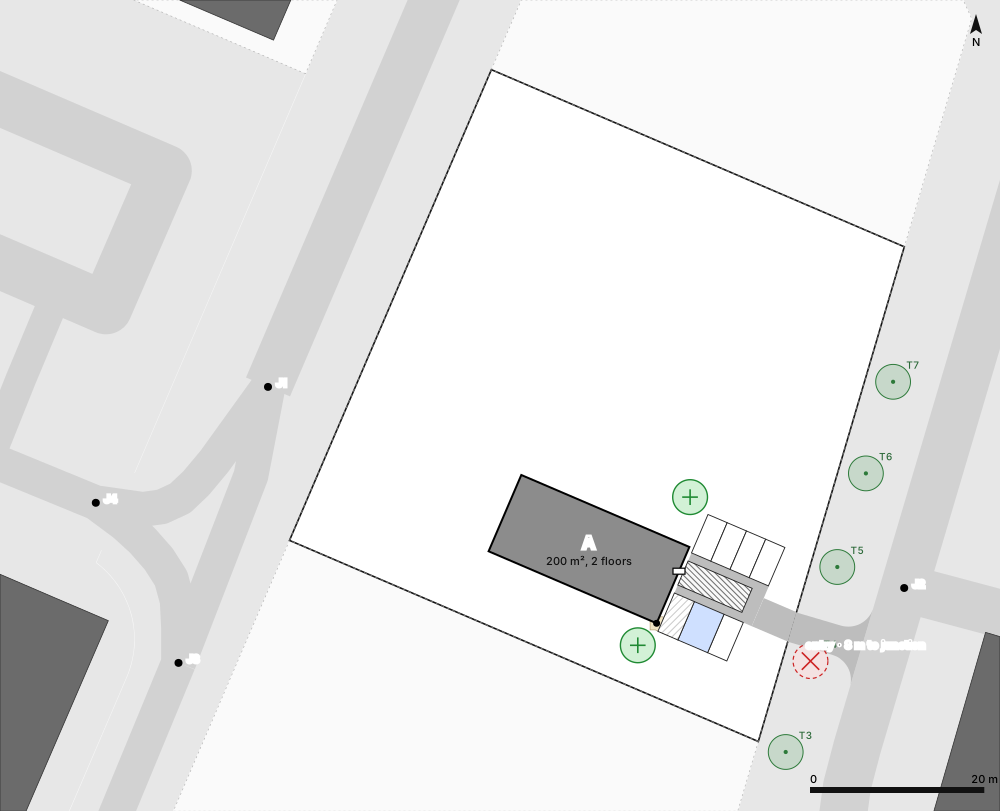
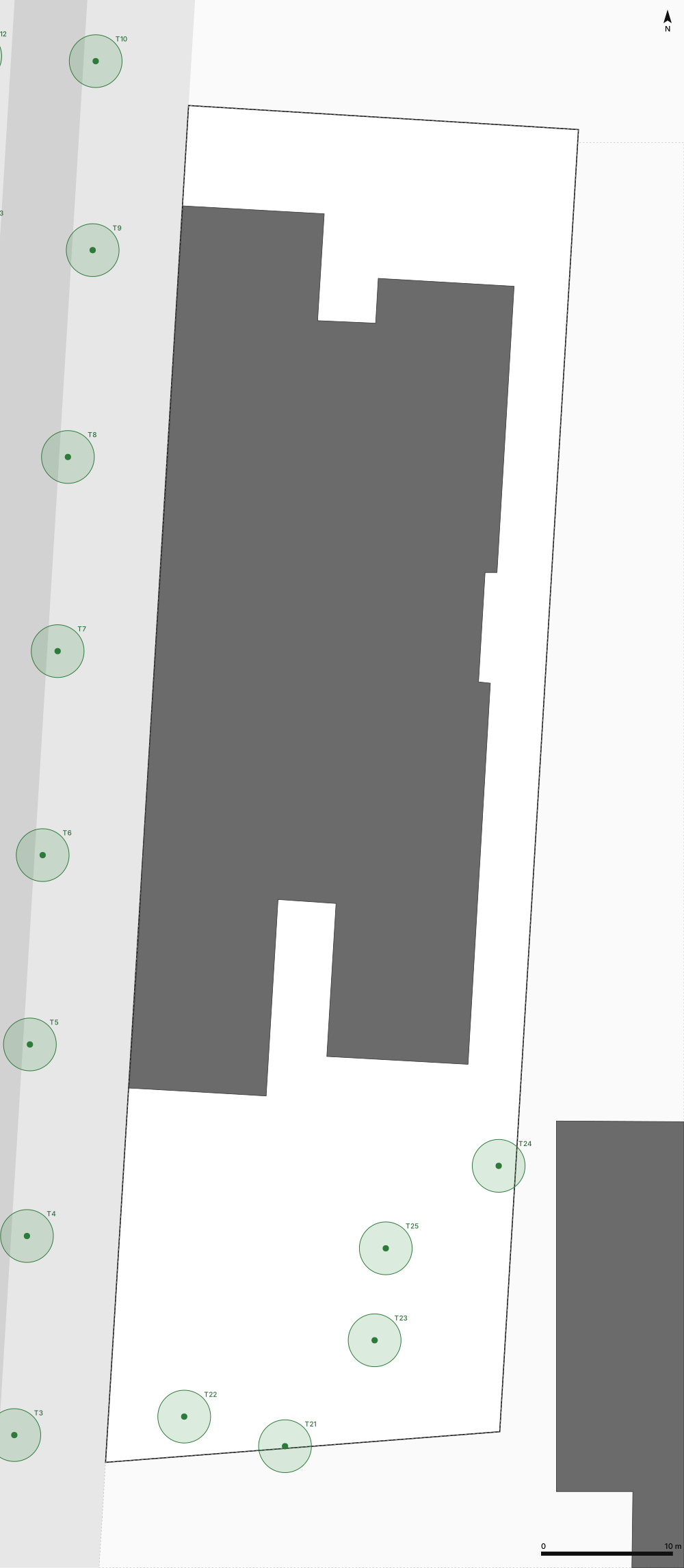
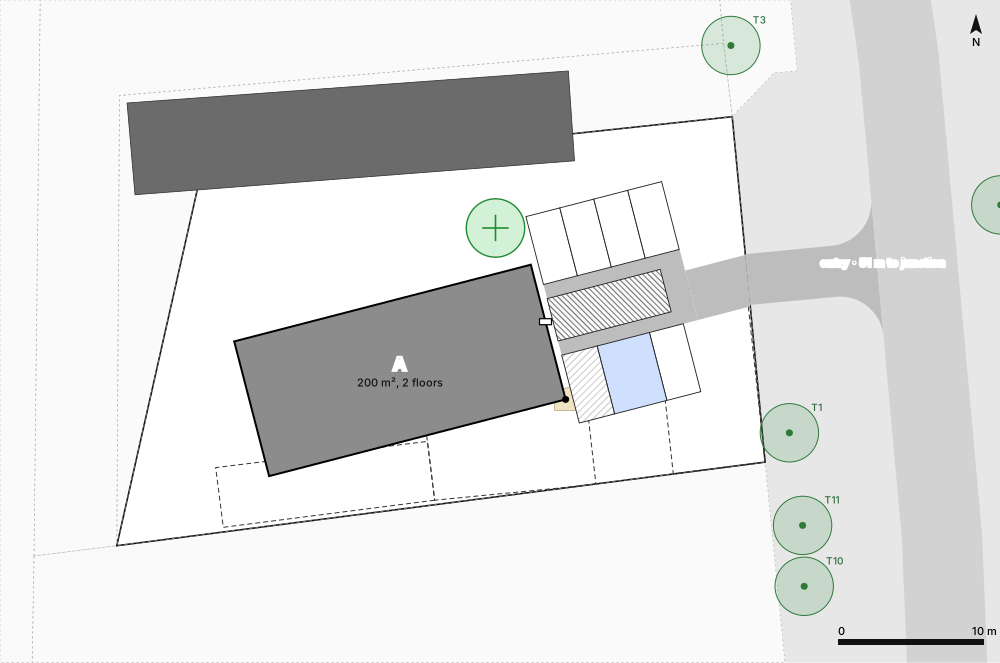
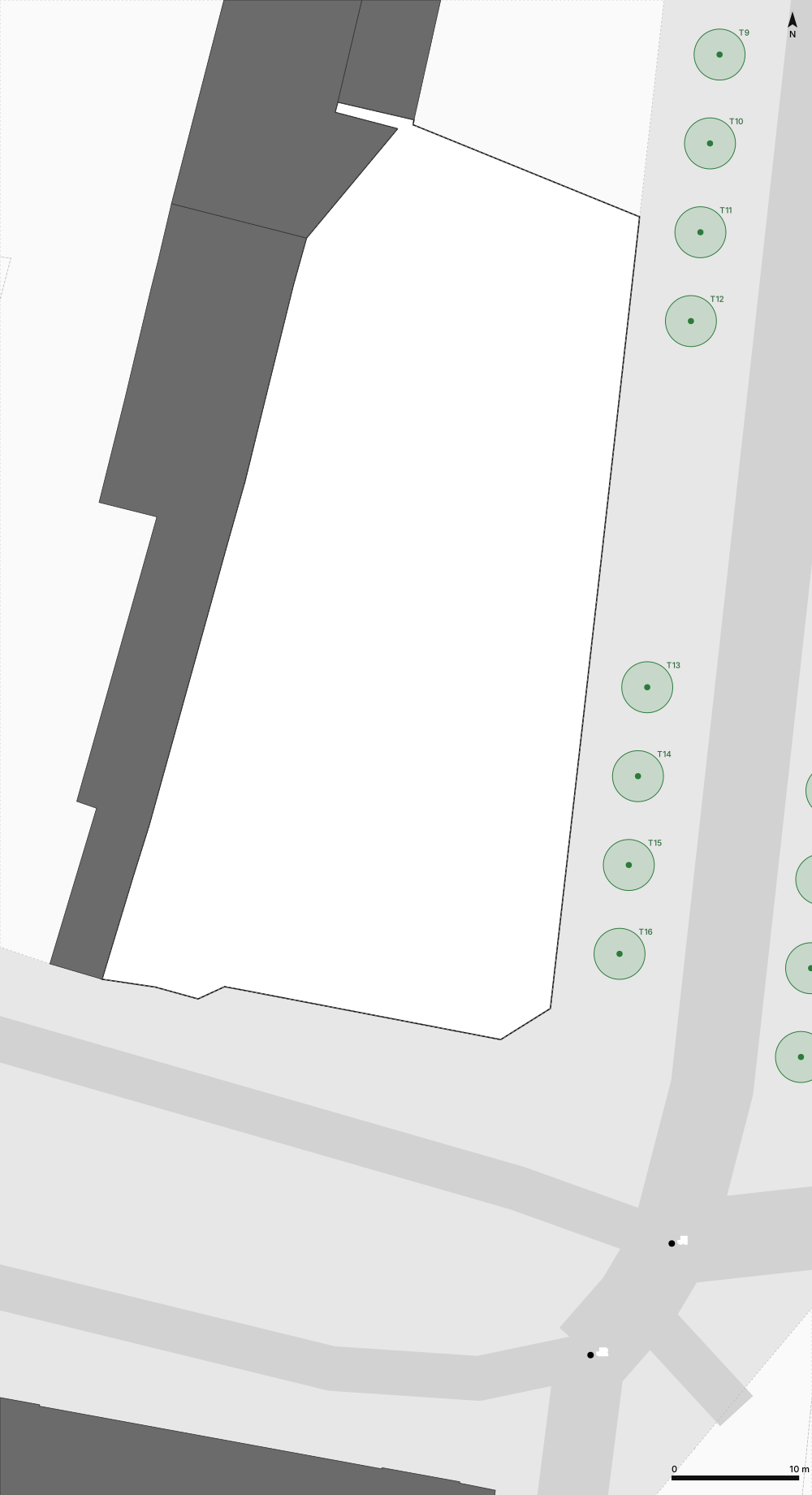
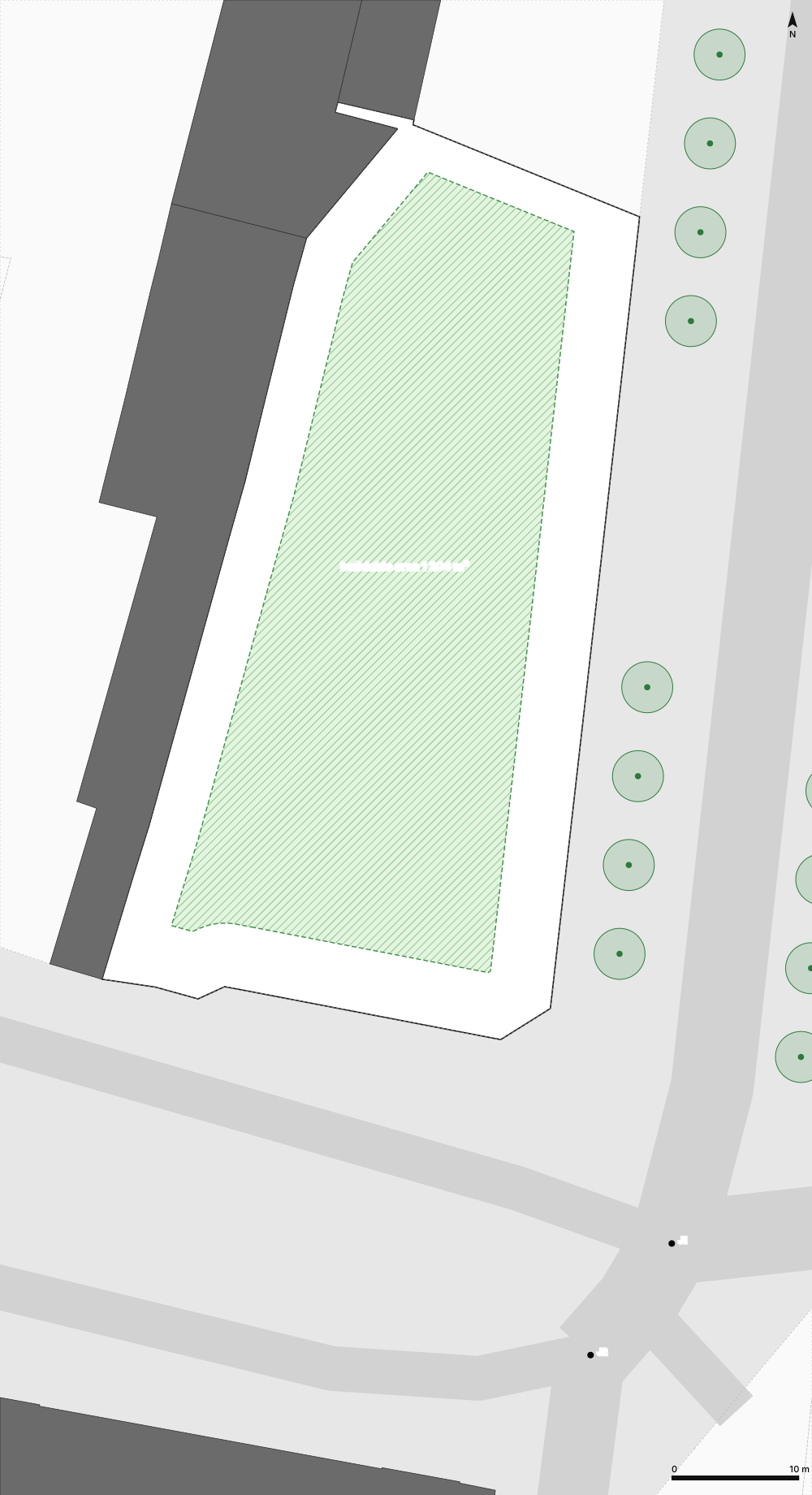
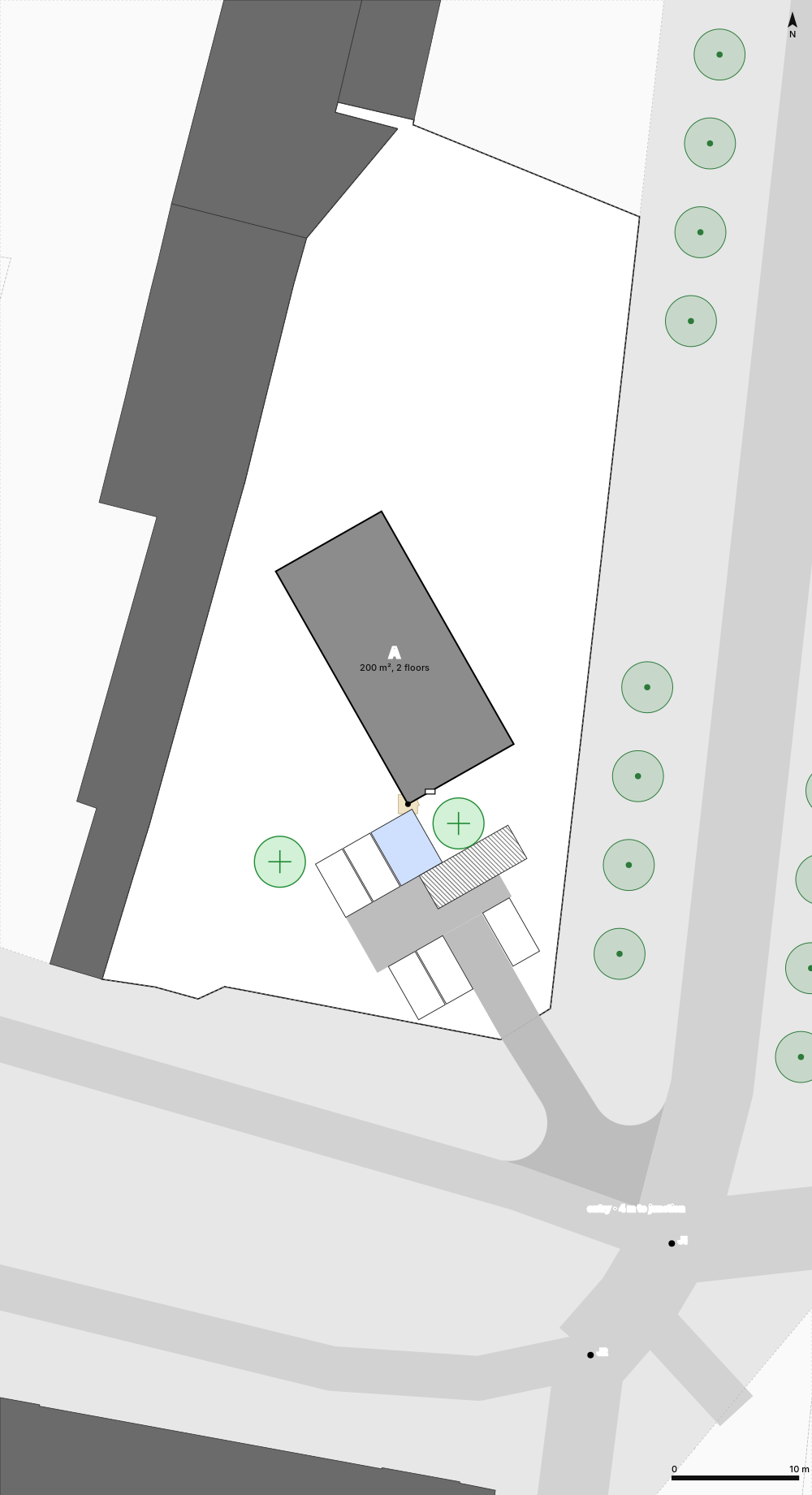
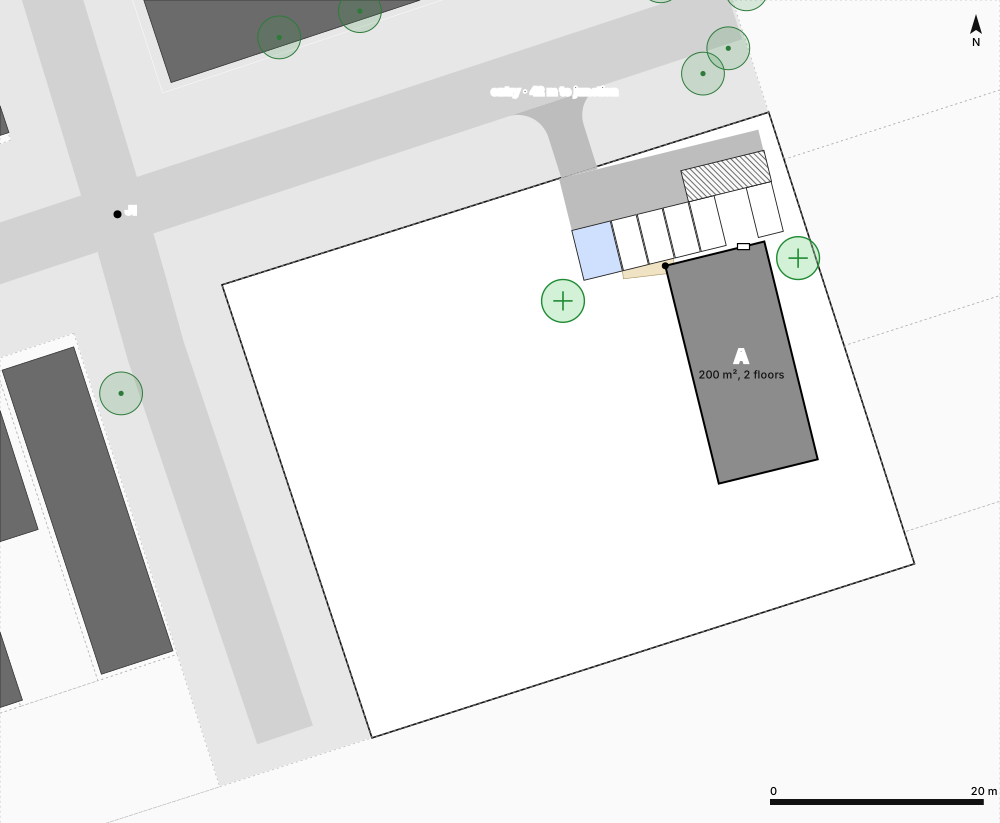
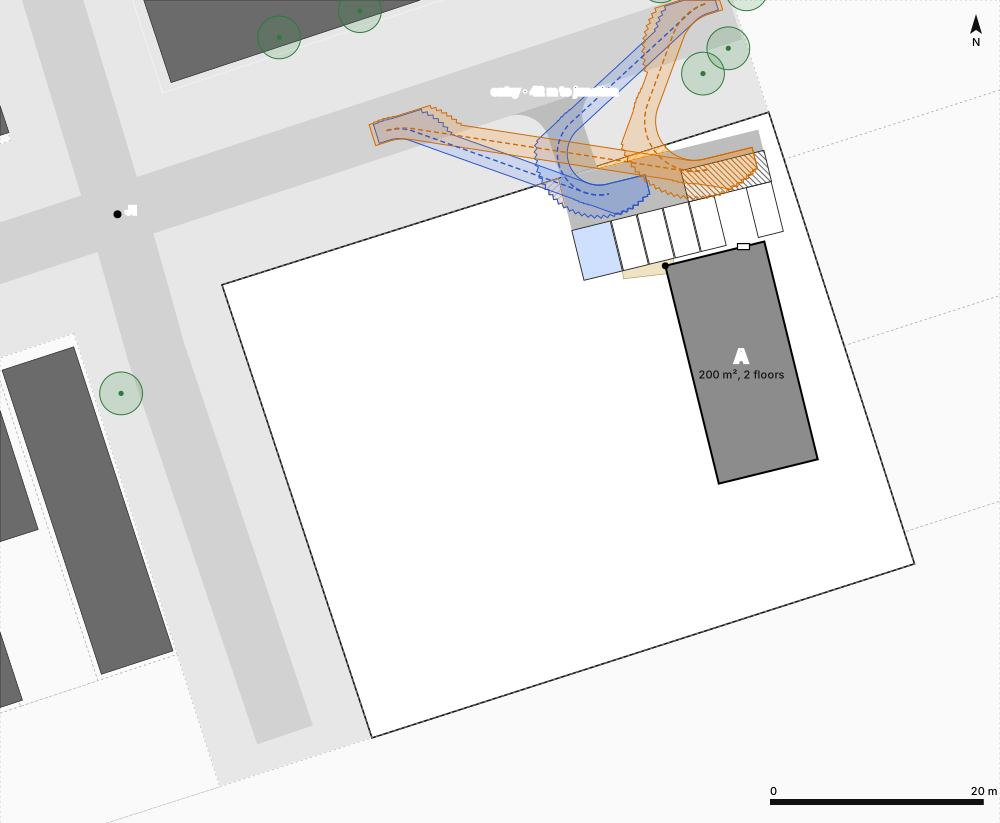
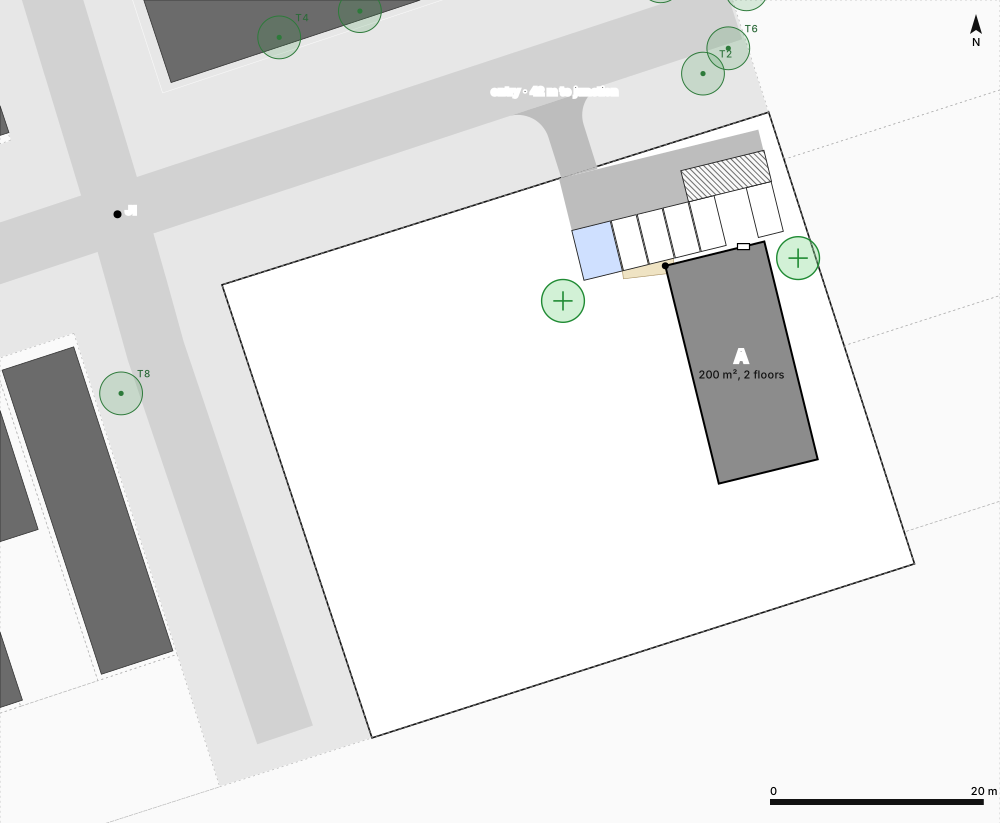
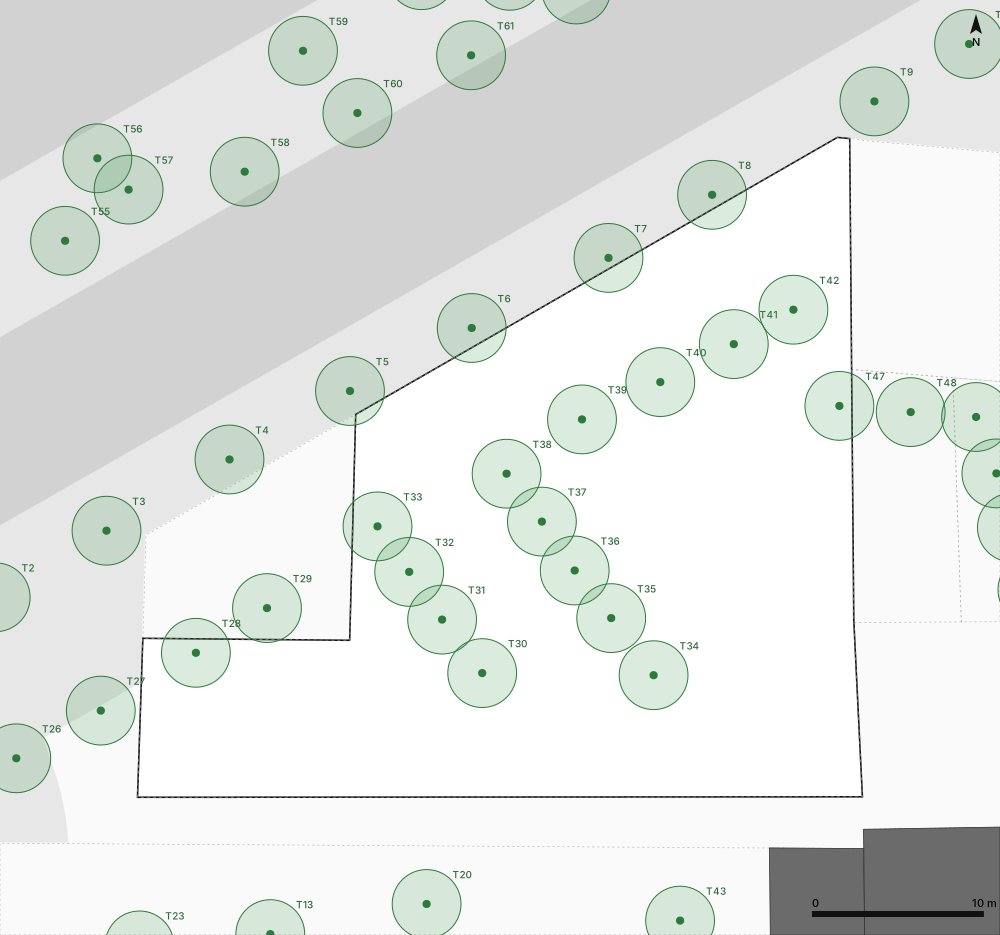
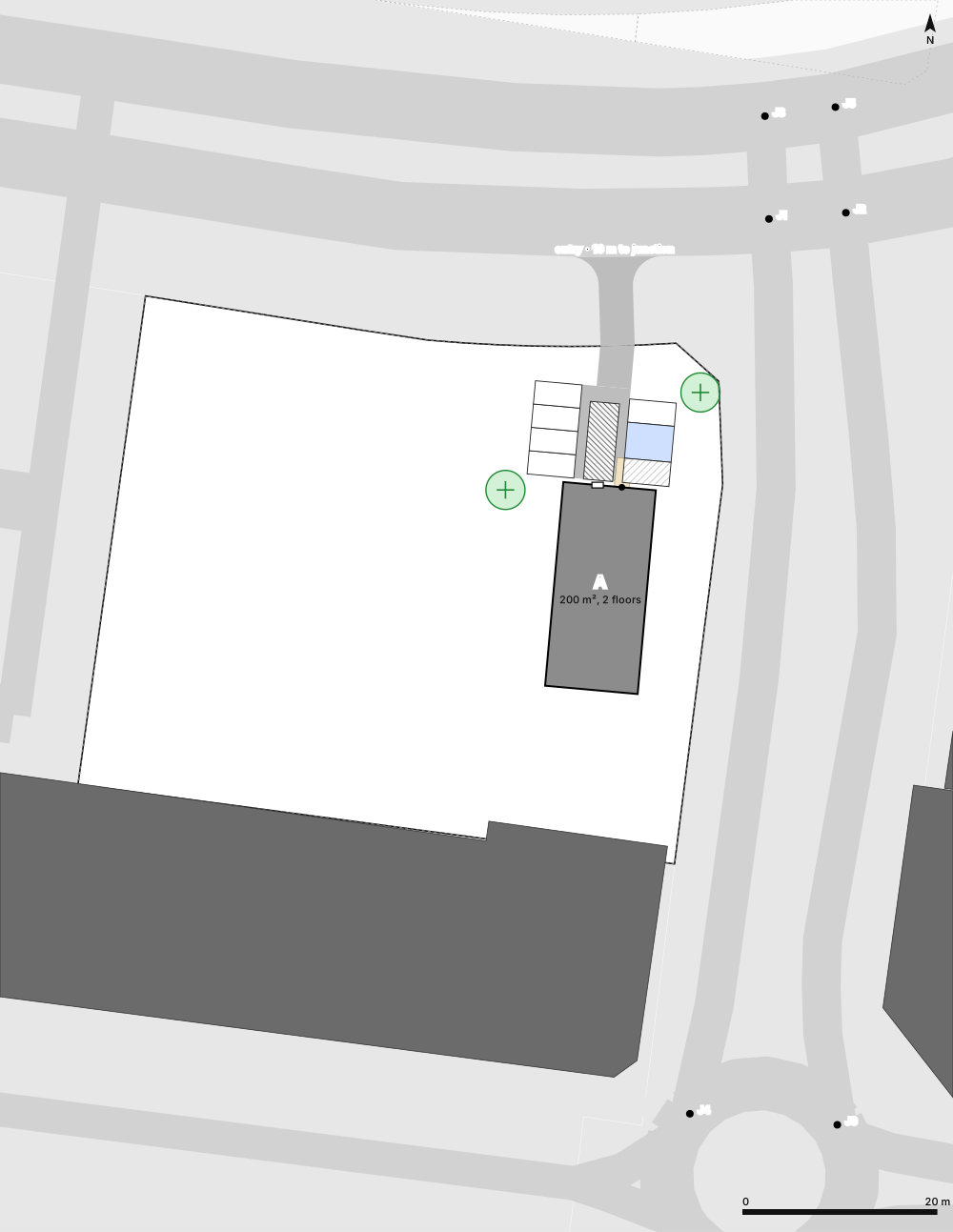
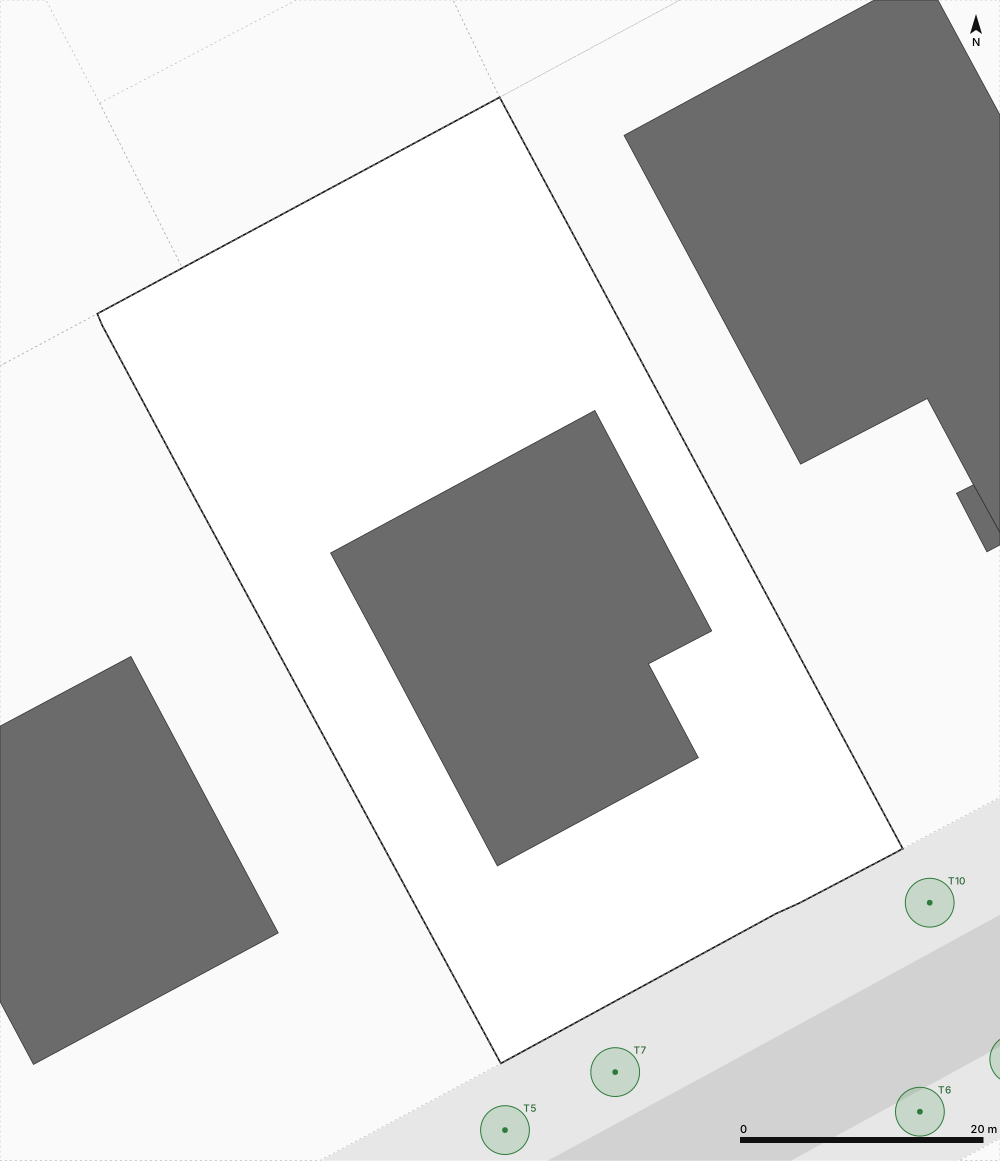
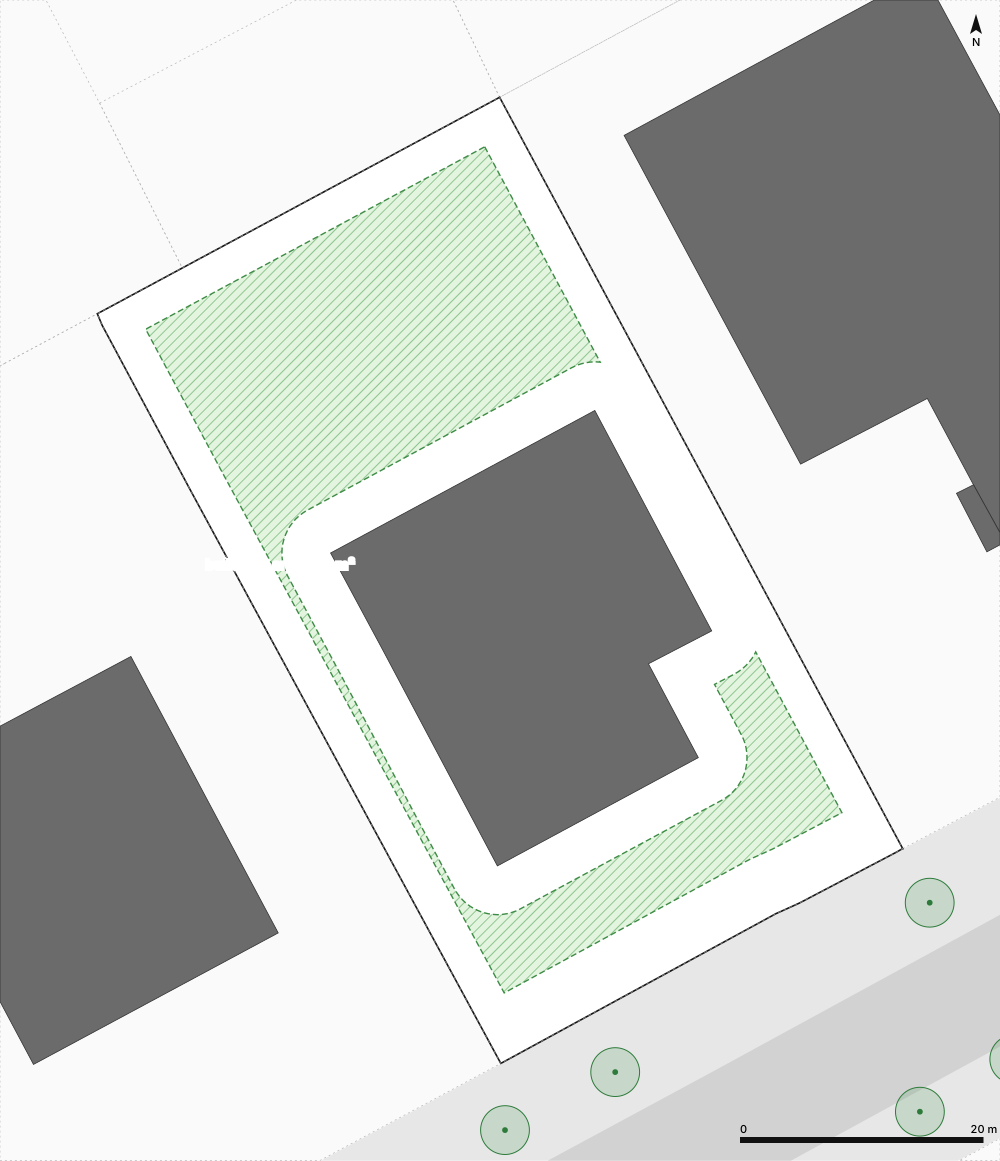
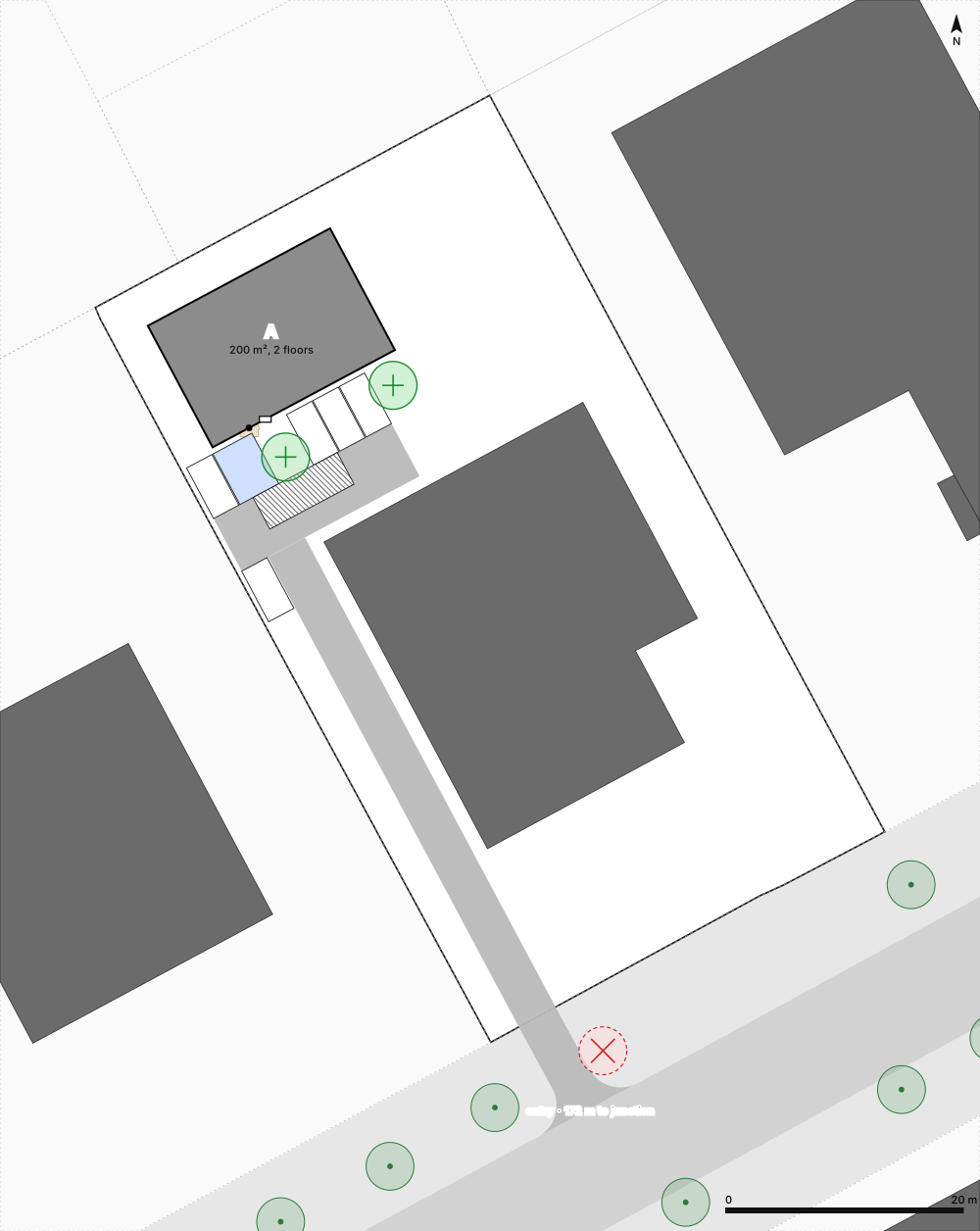
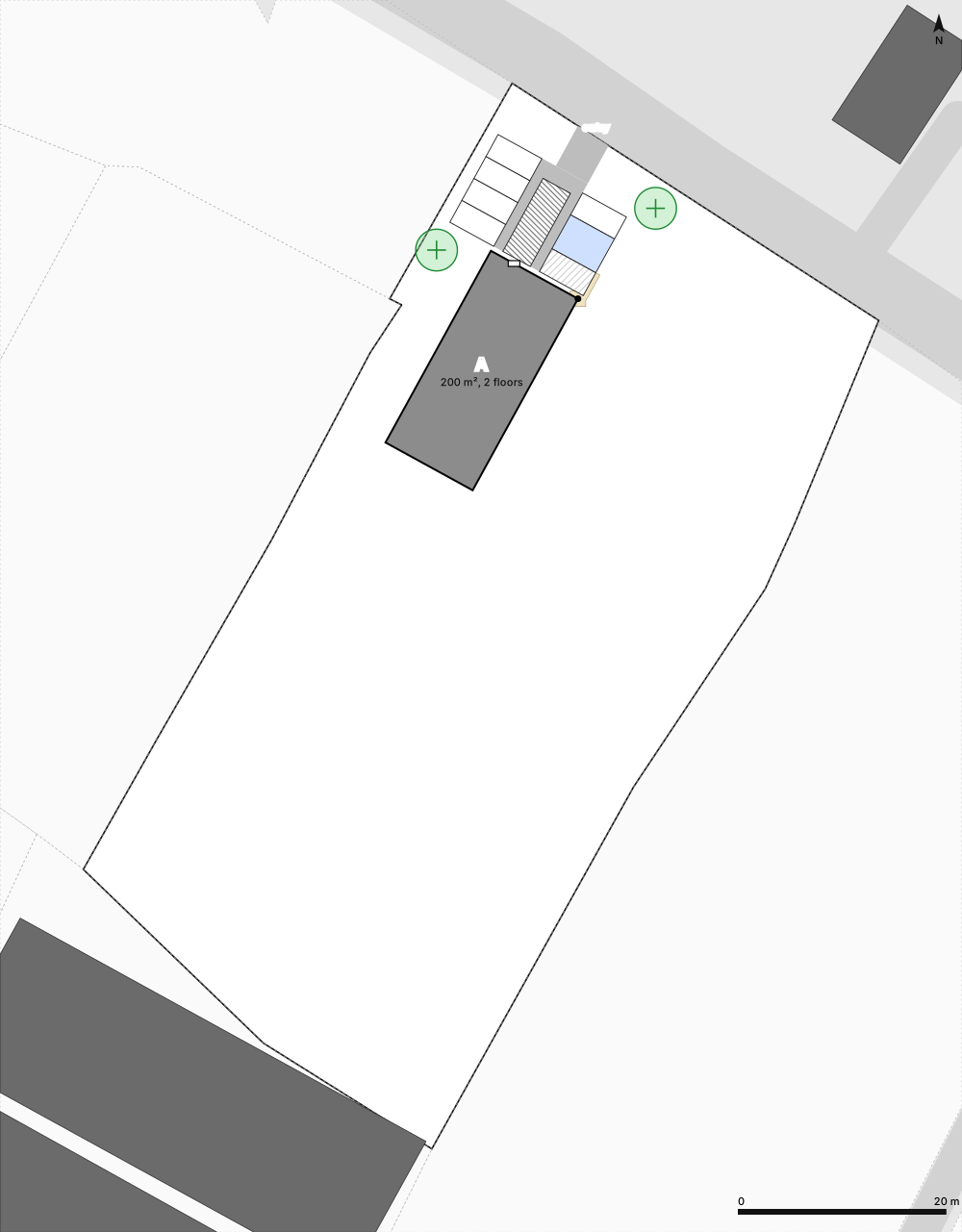
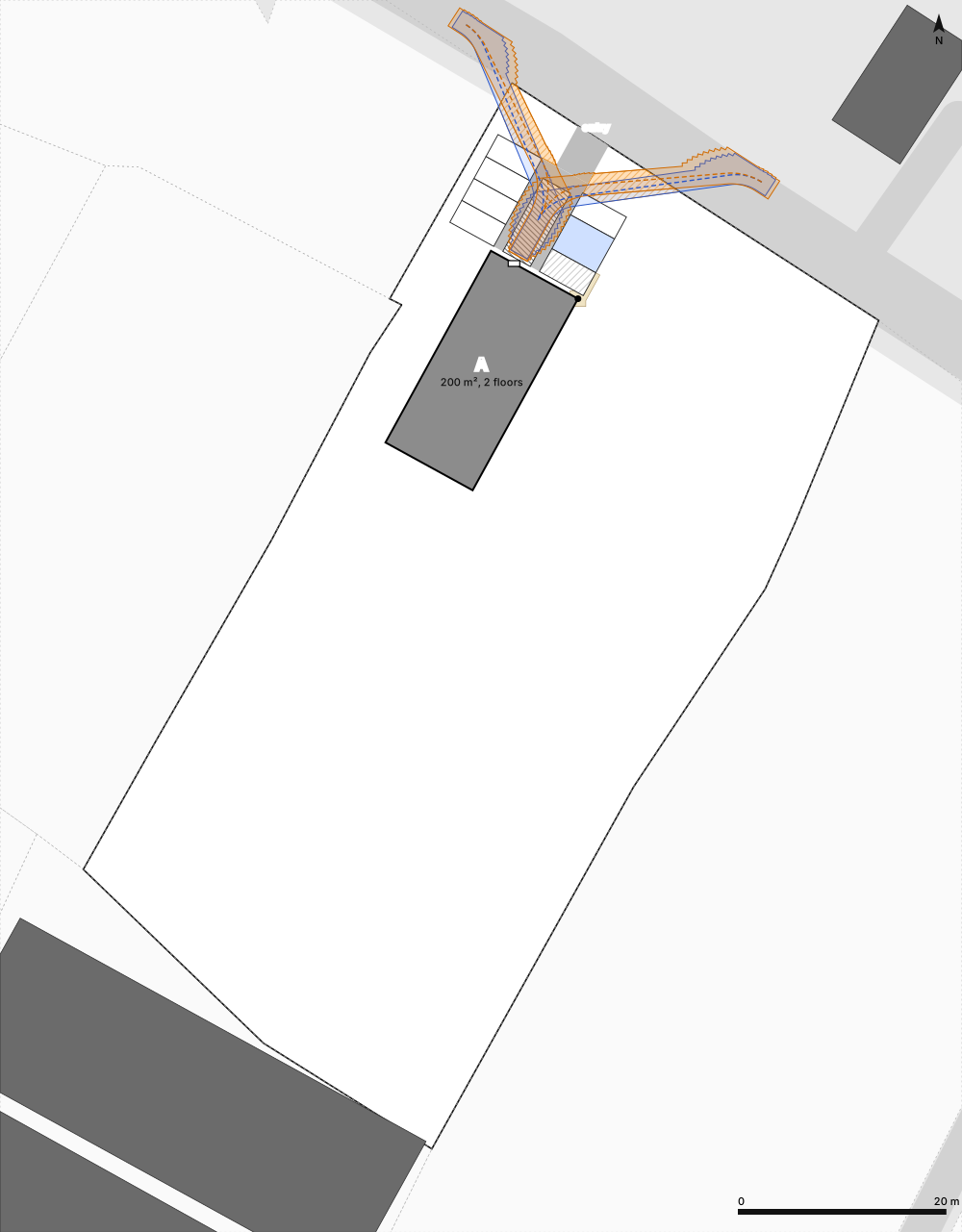
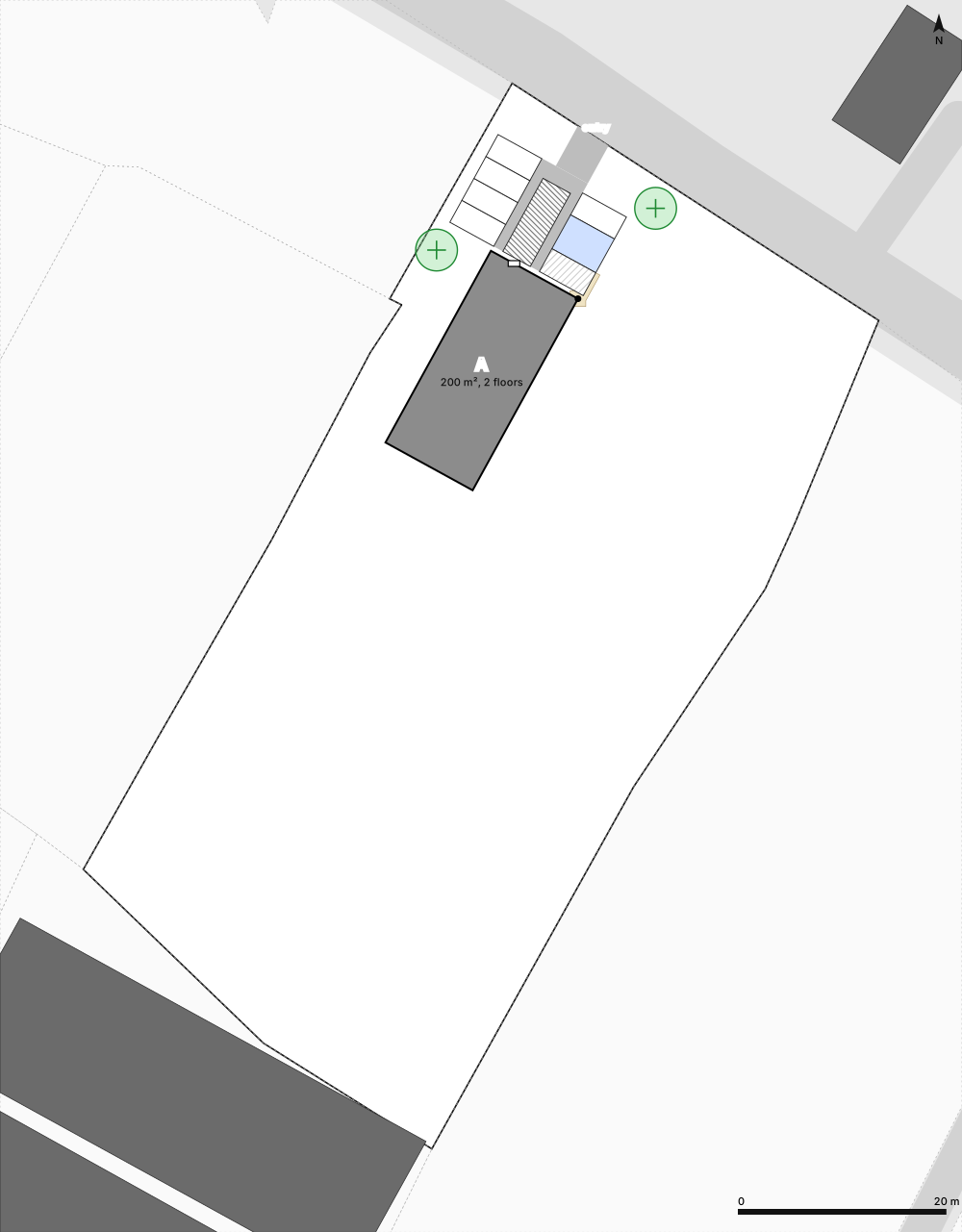
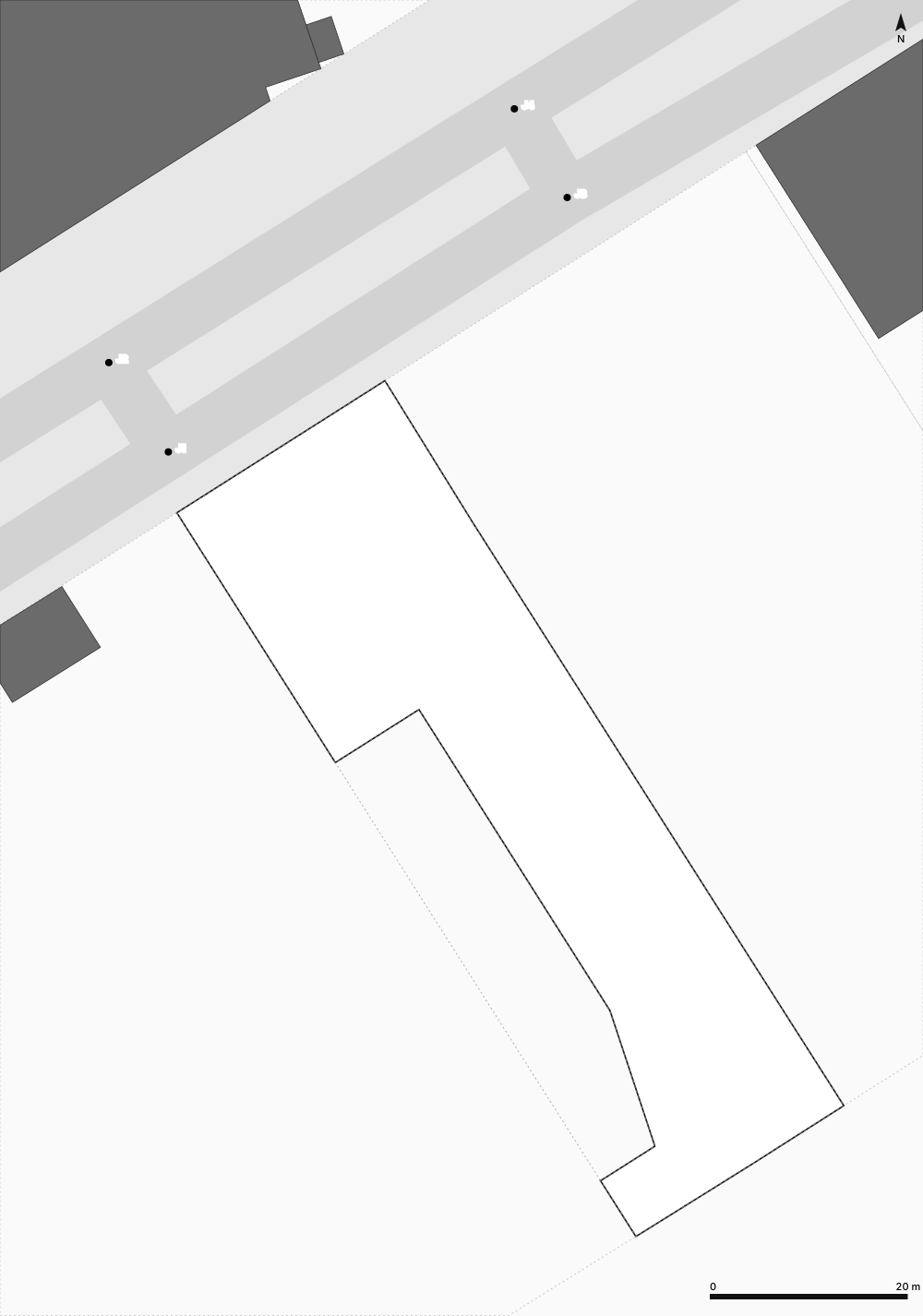
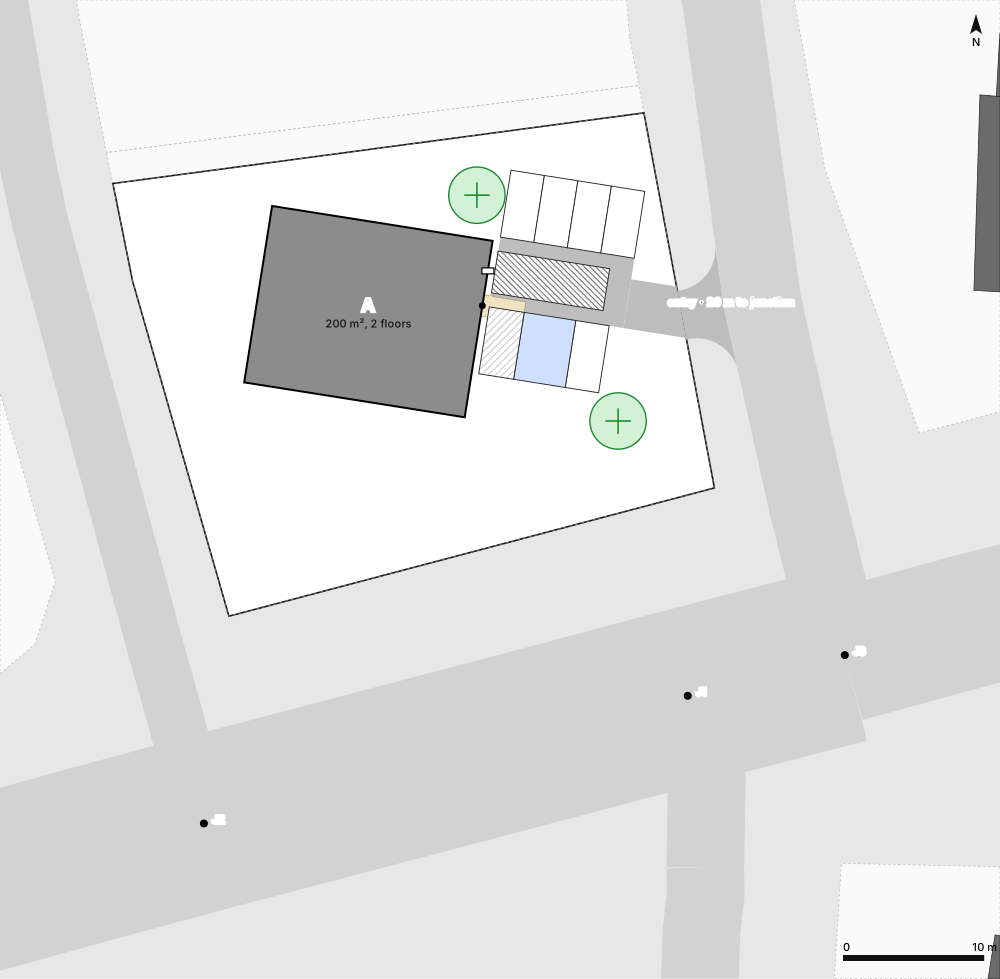
What you get
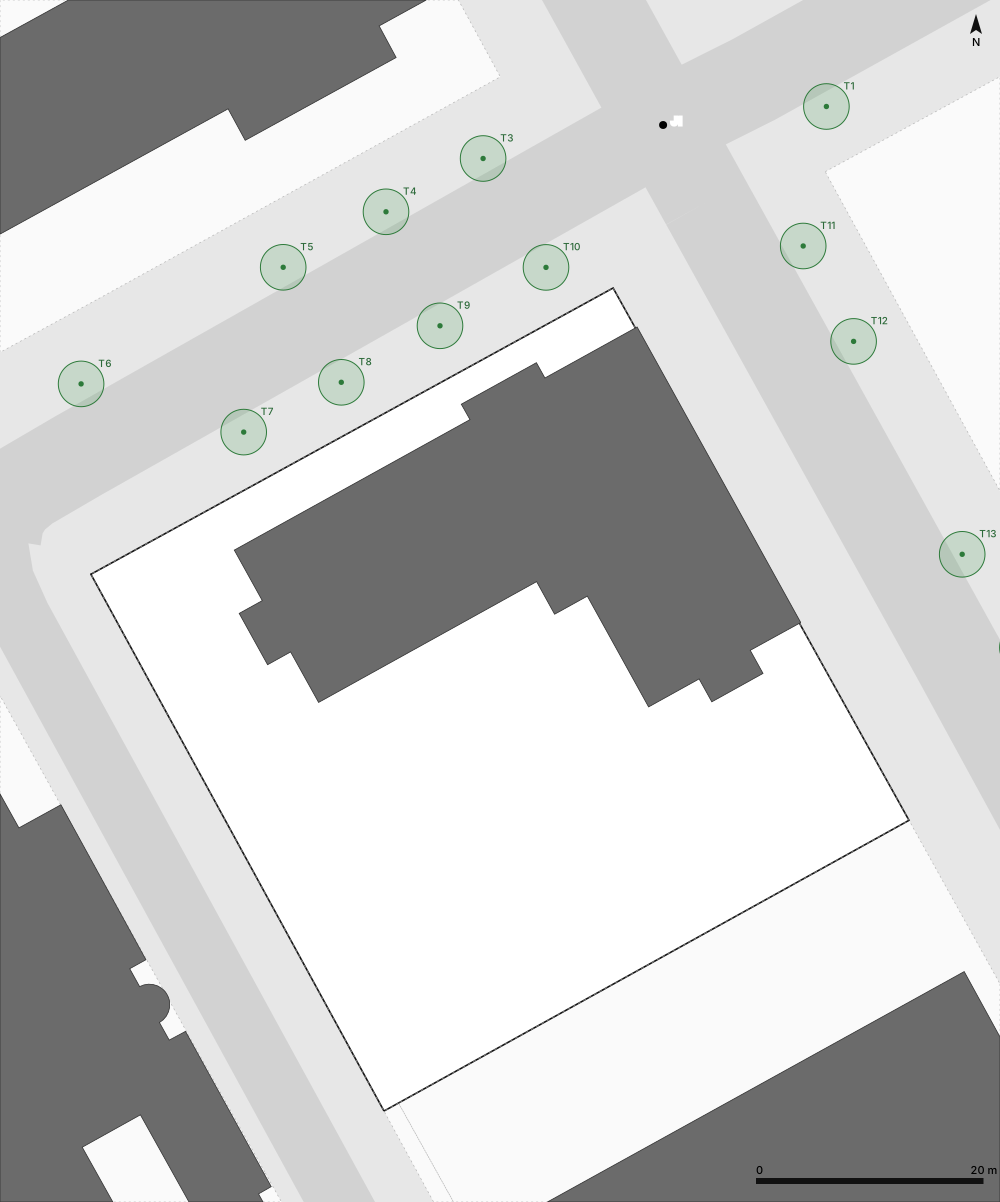
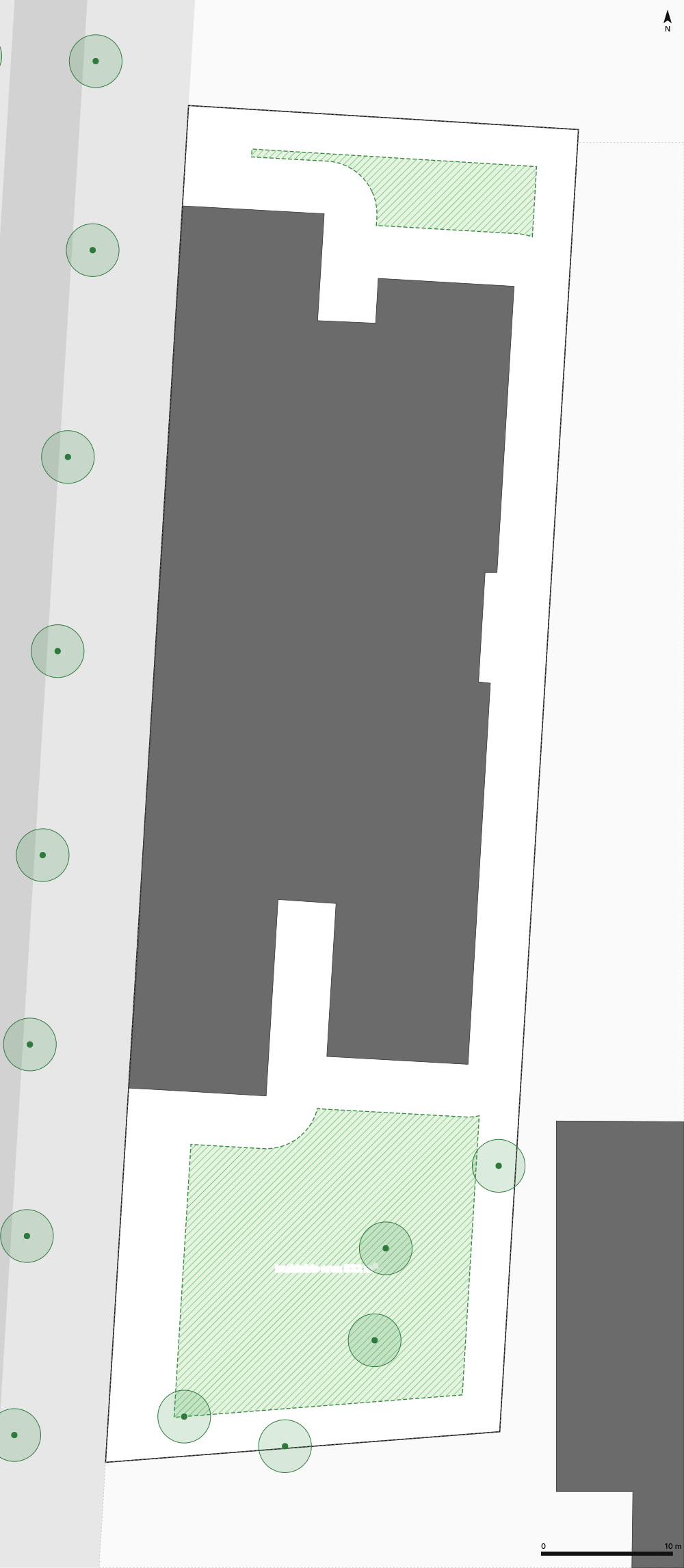
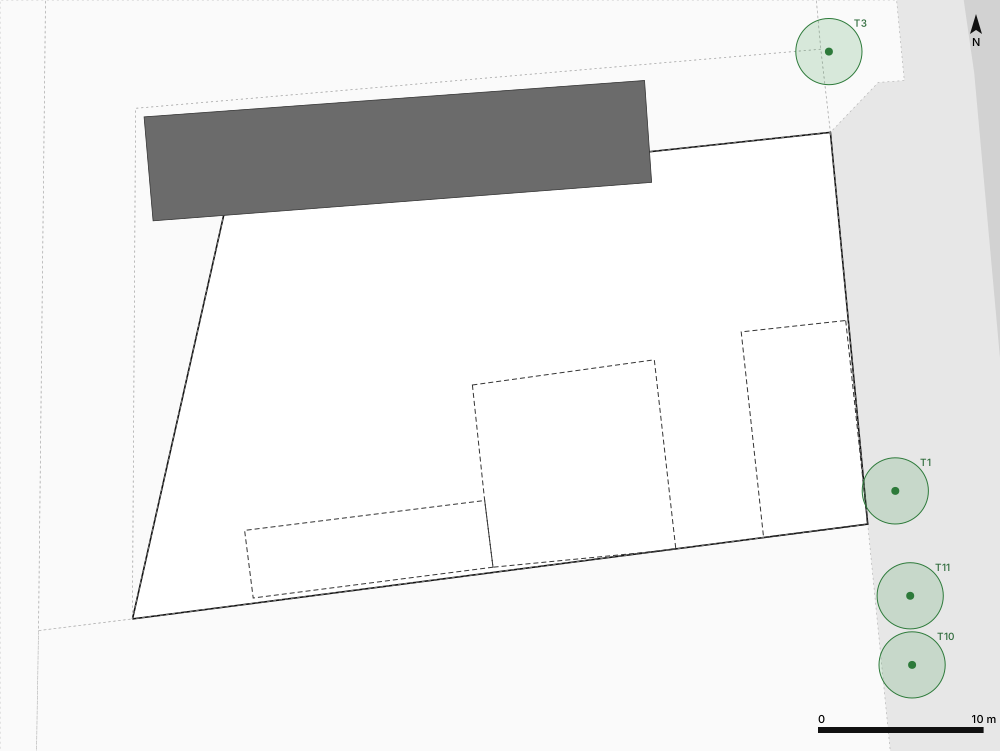
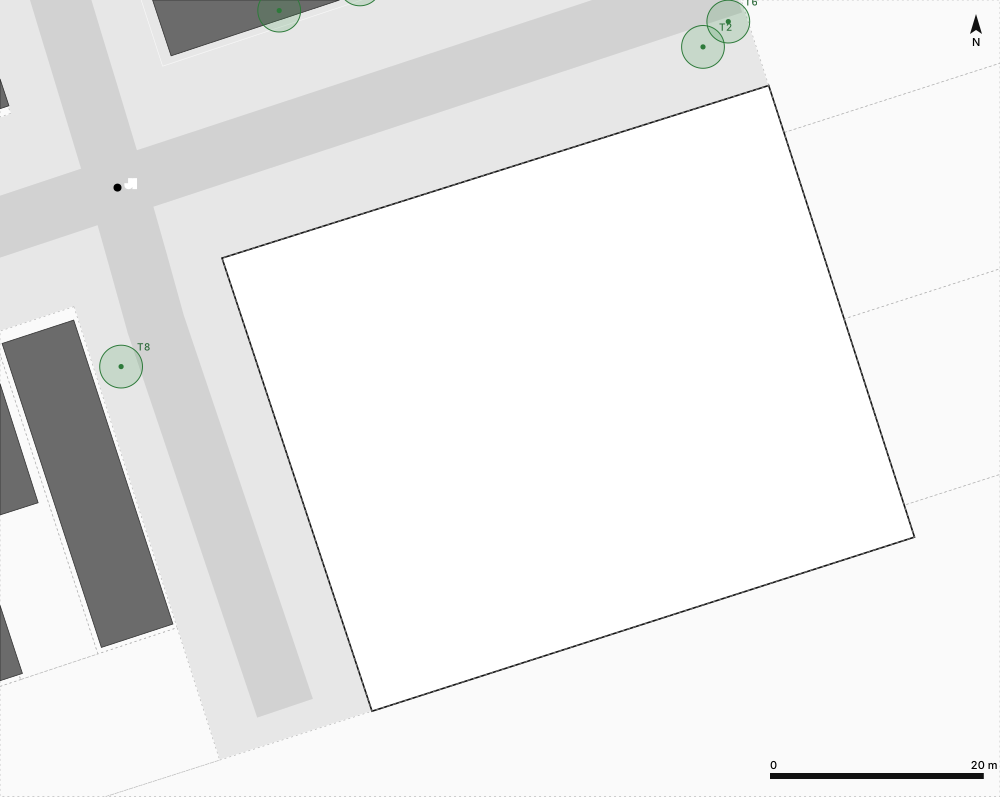
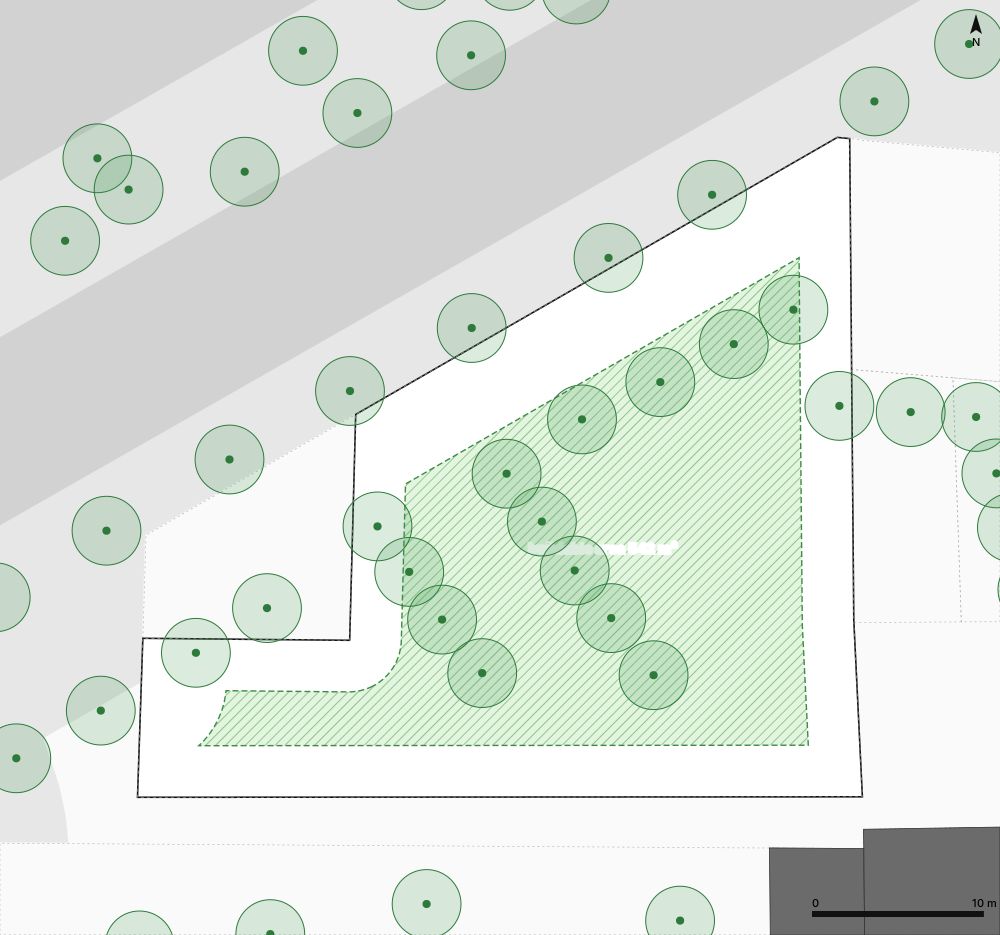
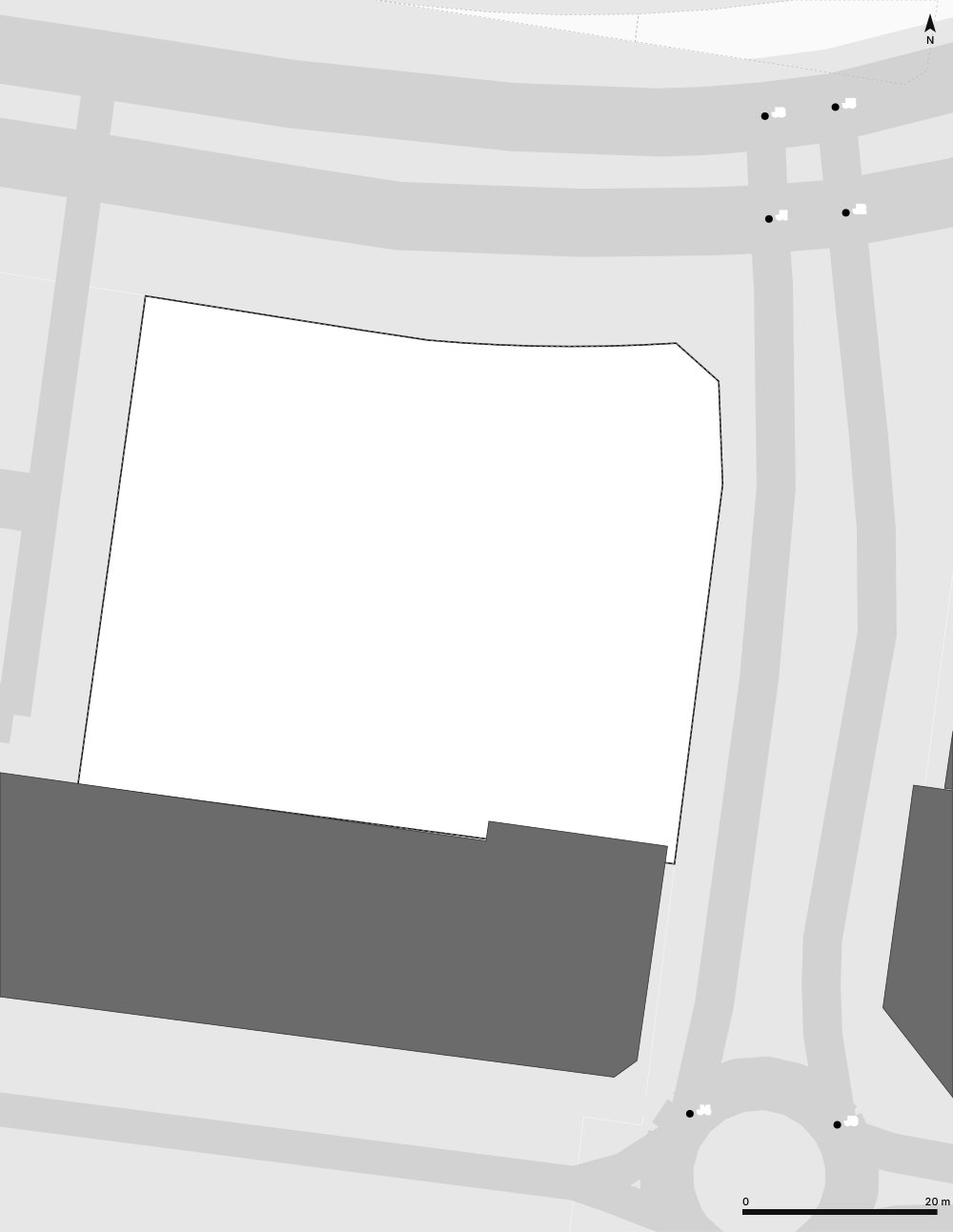
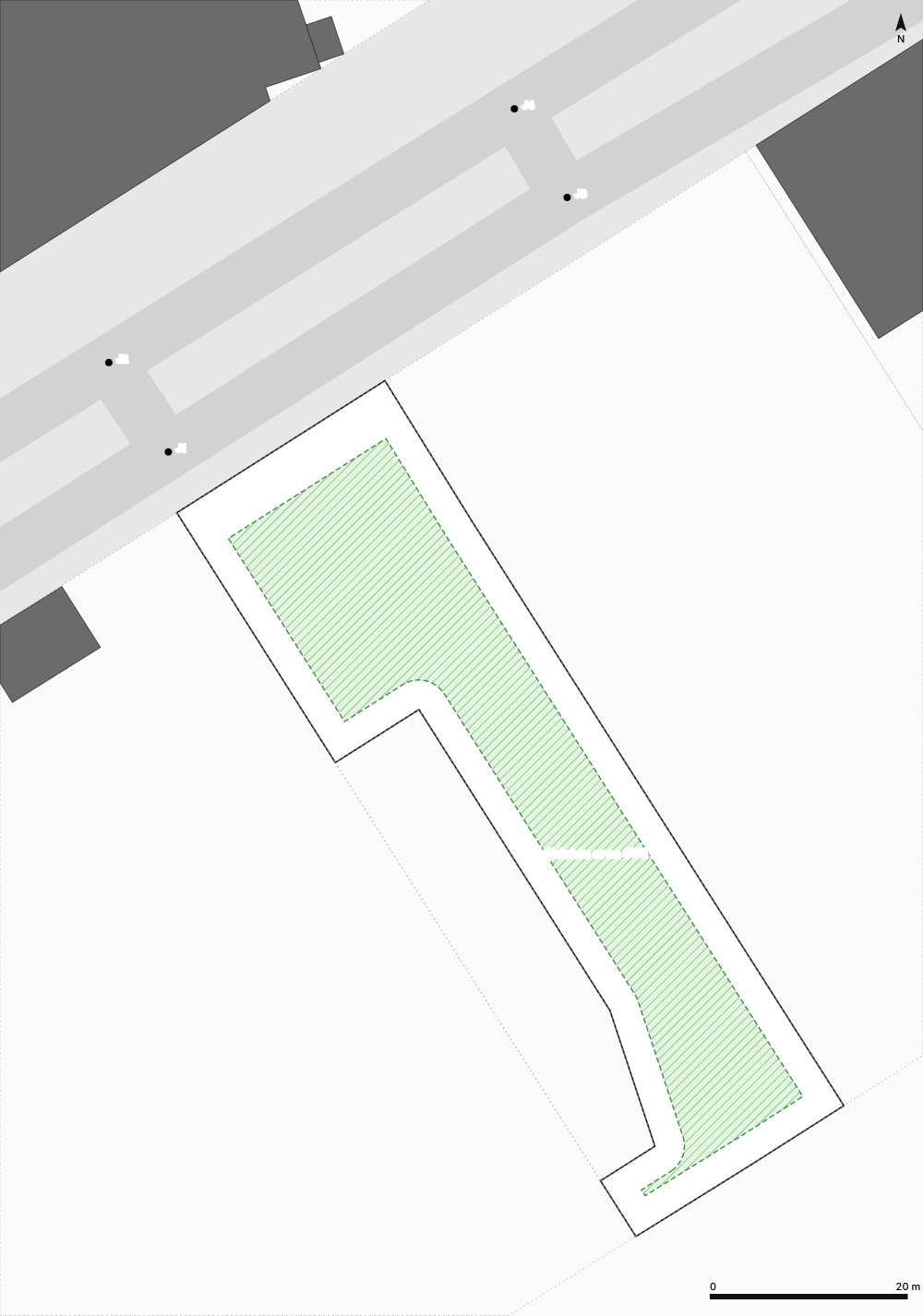
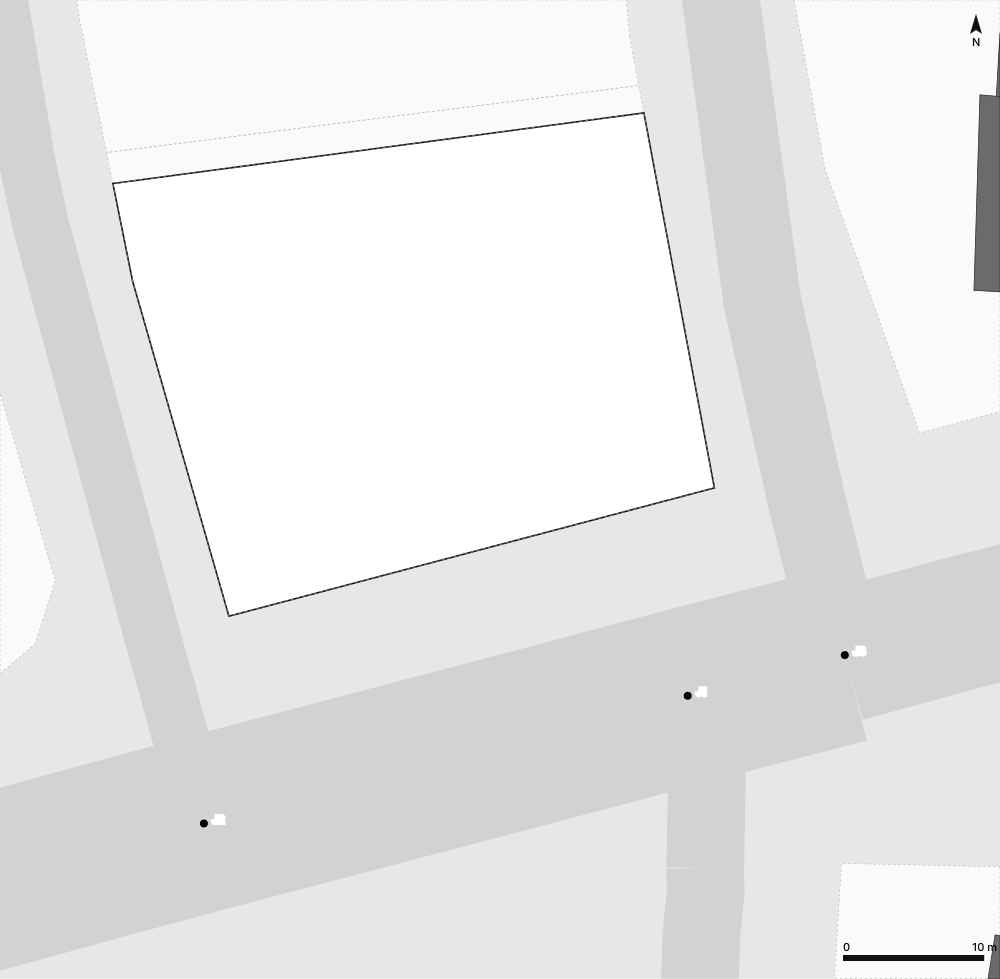
Current state
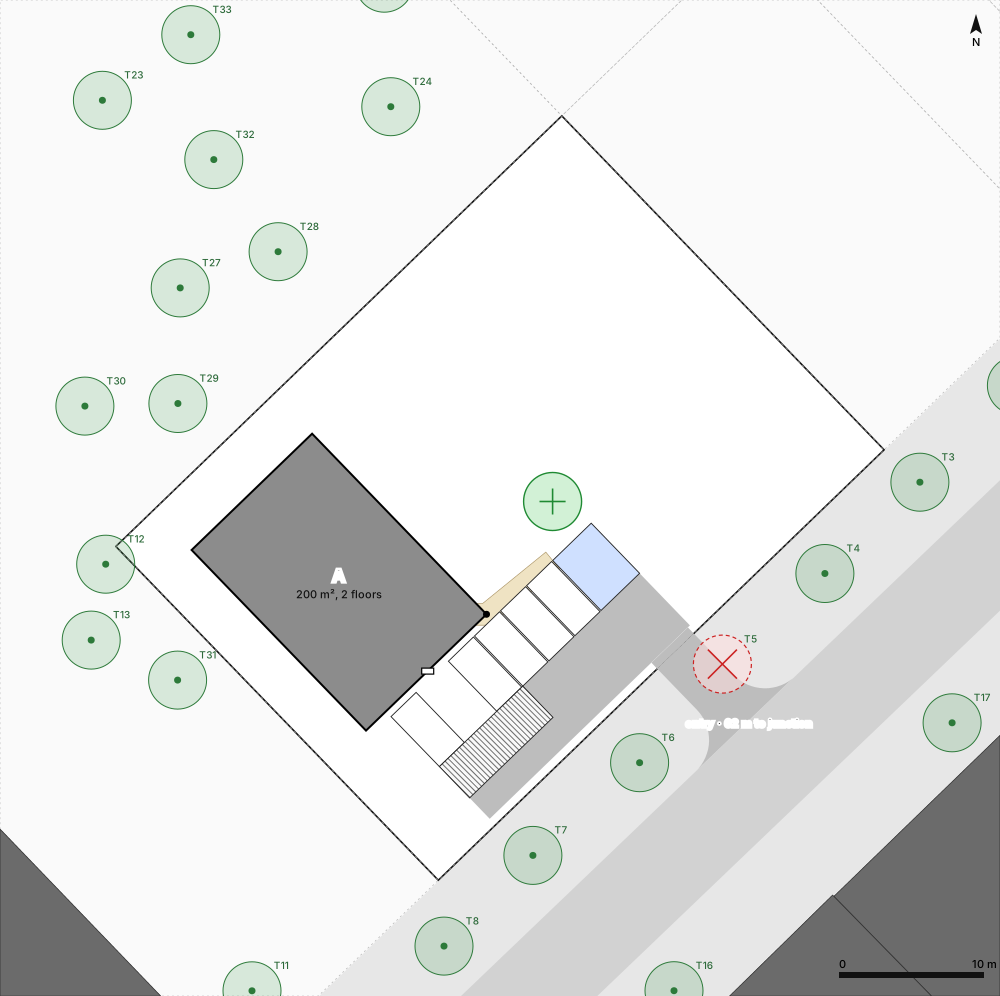
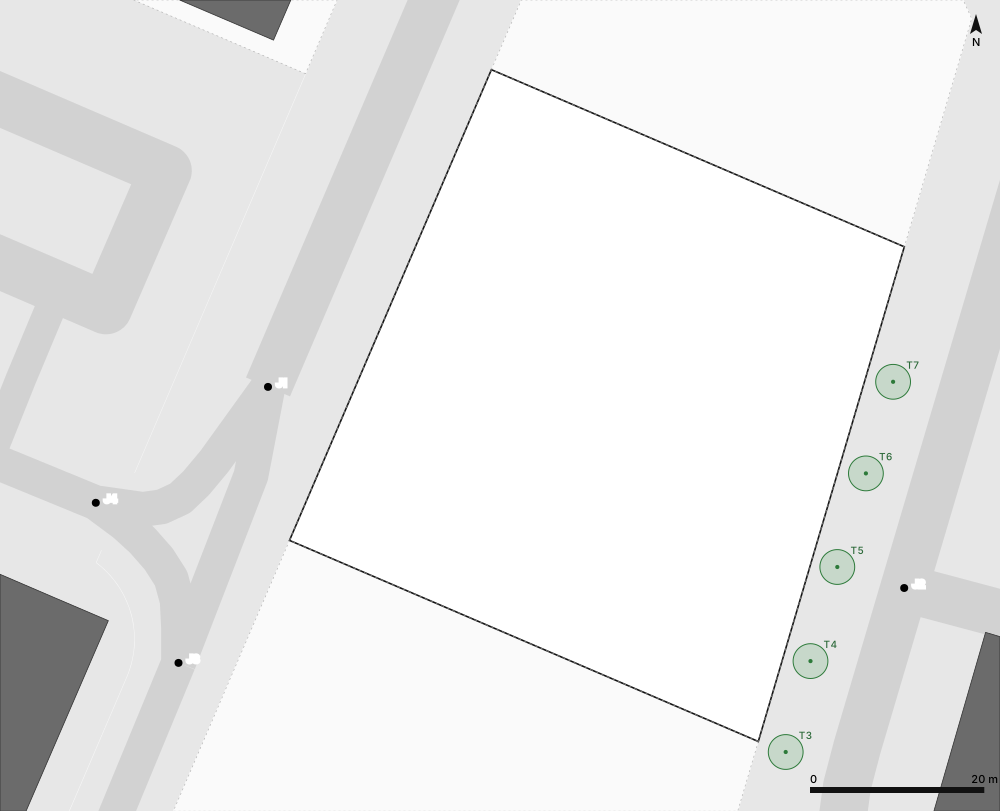
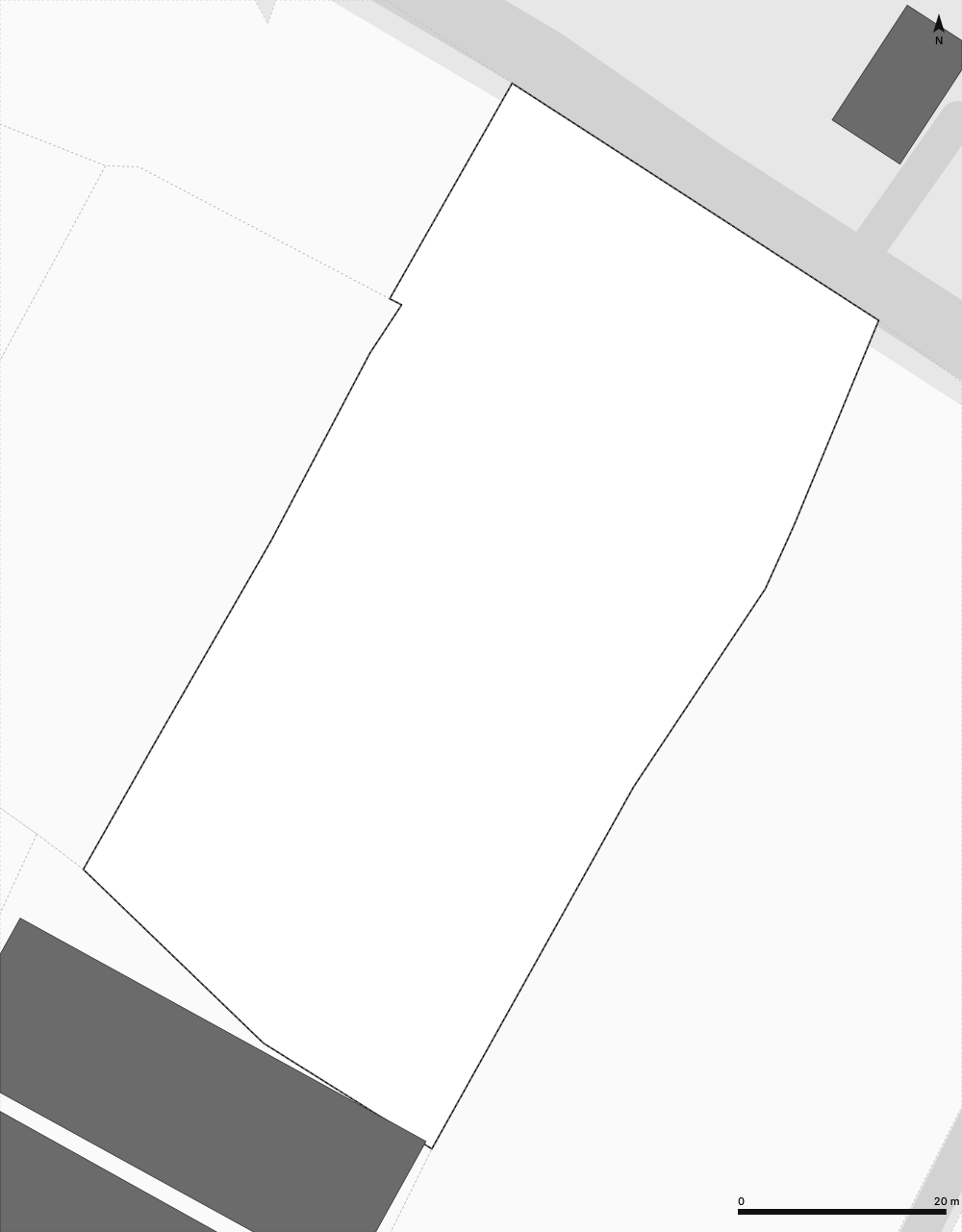
Official parcels, buildings, roads and trees, pulled from the national cadastre and OpenStreetMap.
3D model of the land
Terrain, existing and new buildings and trees in 3D. Download it as a .glb model.
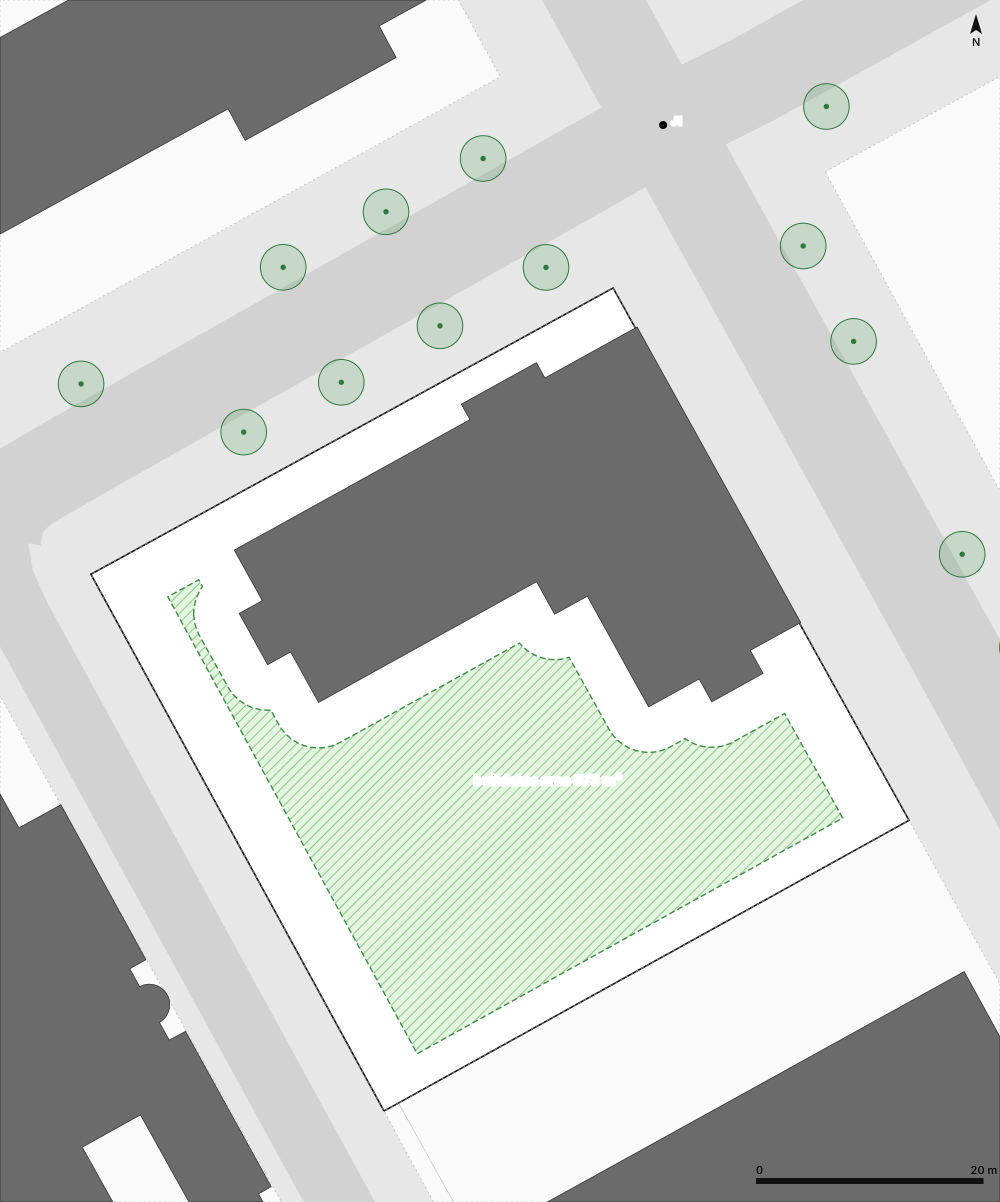
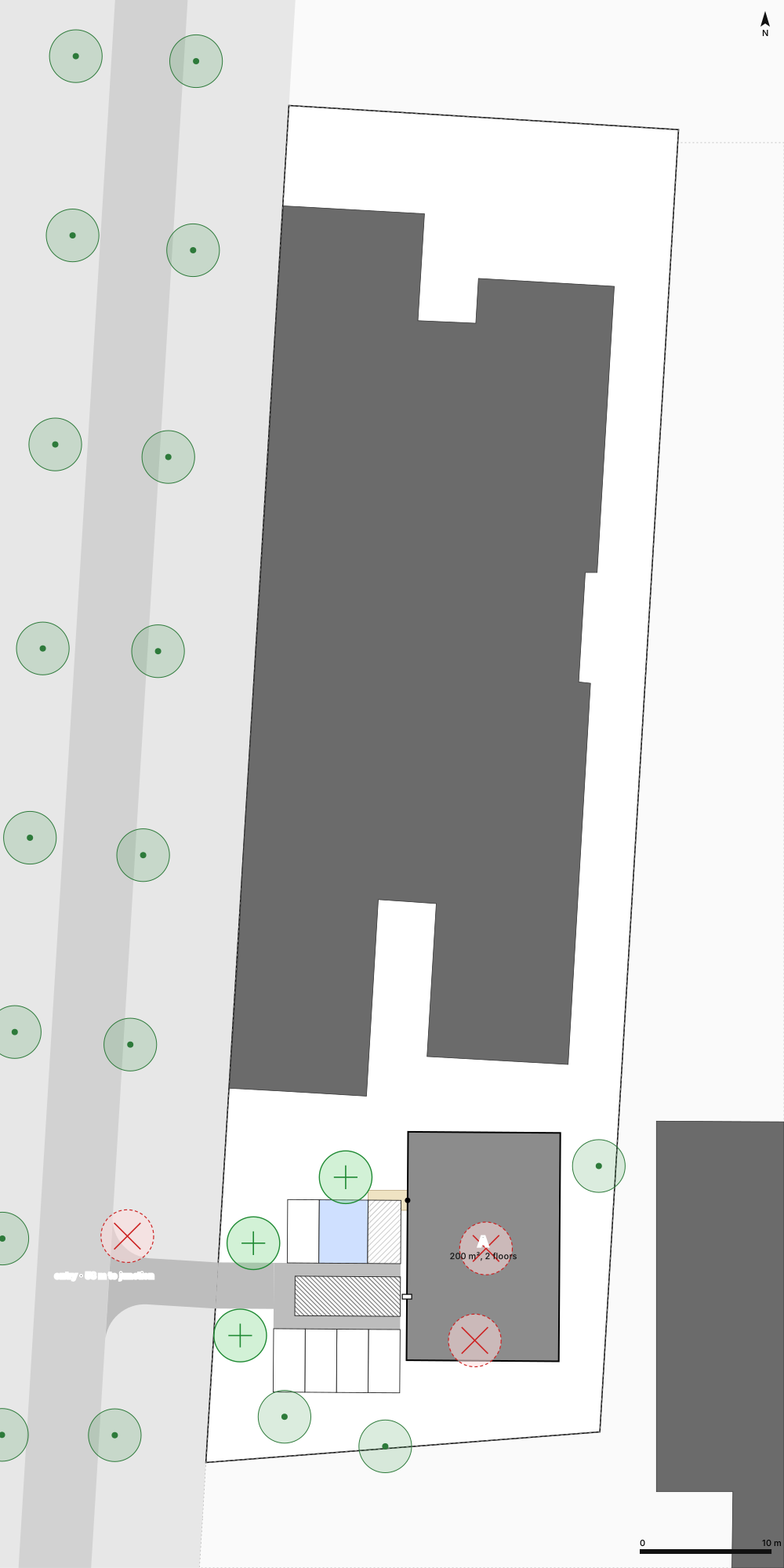
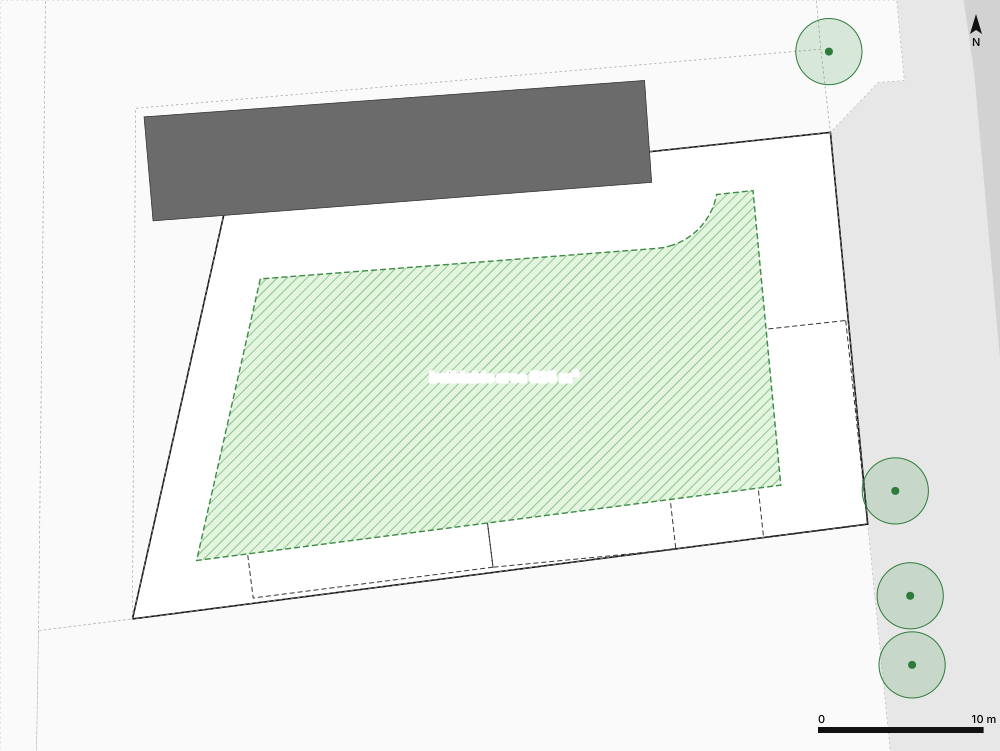
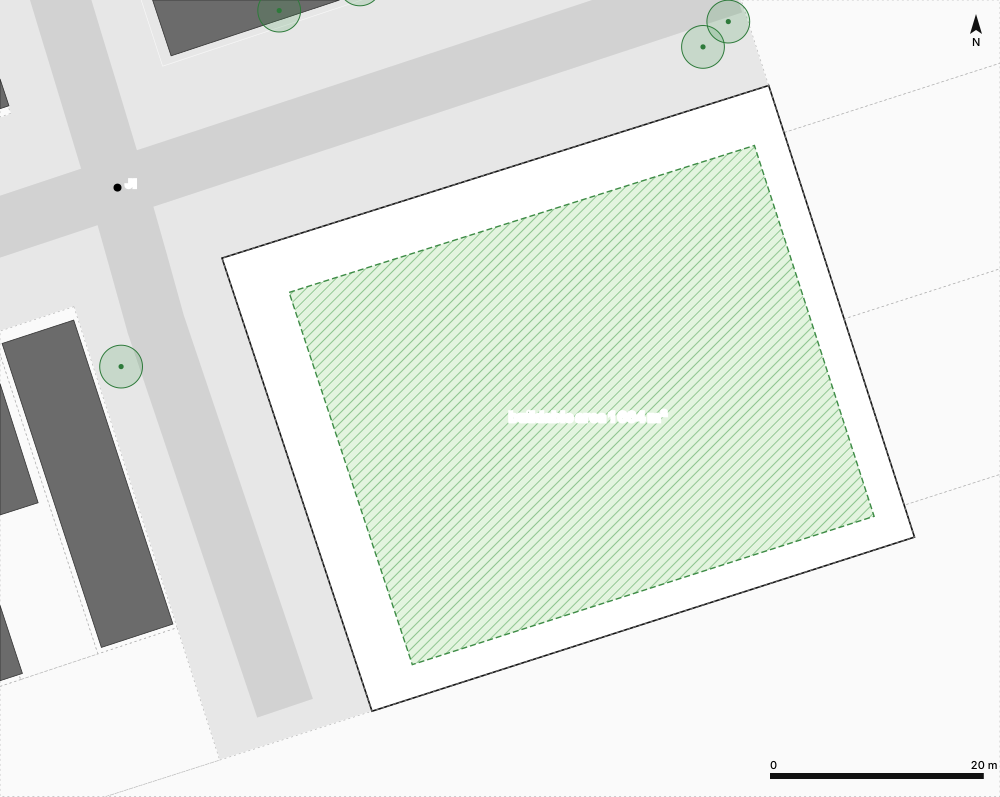
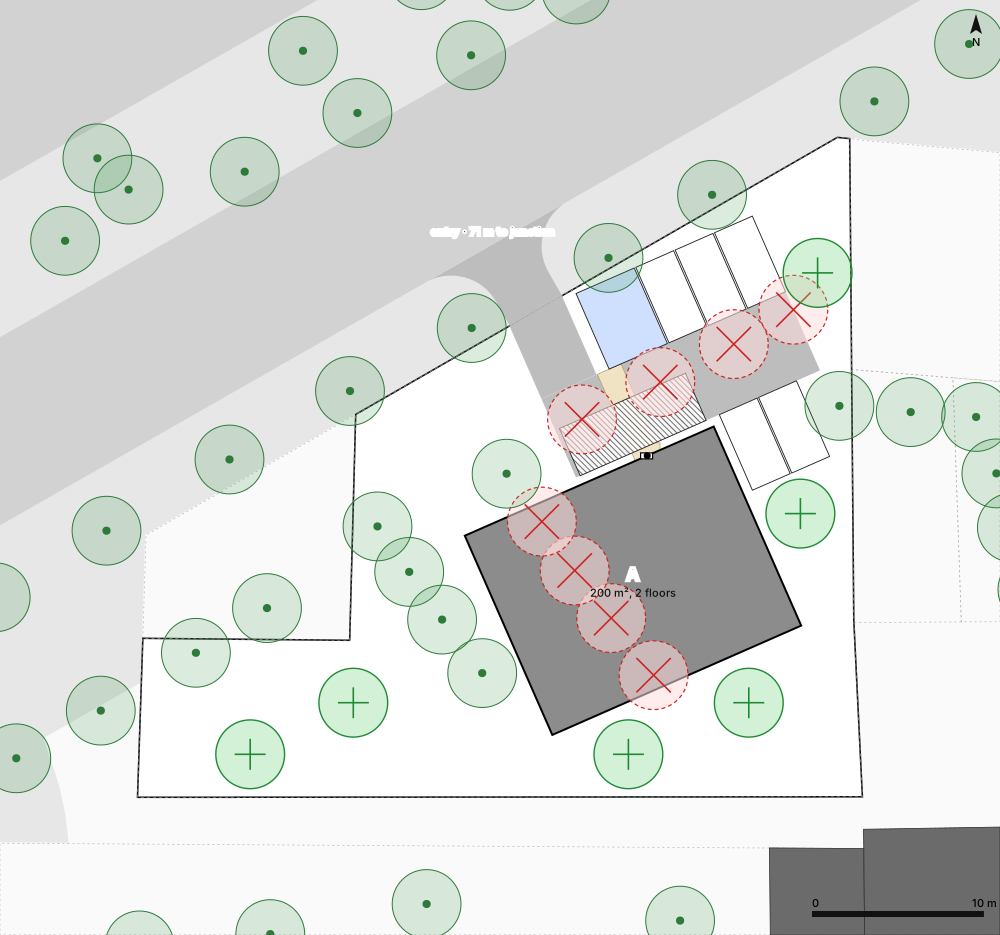
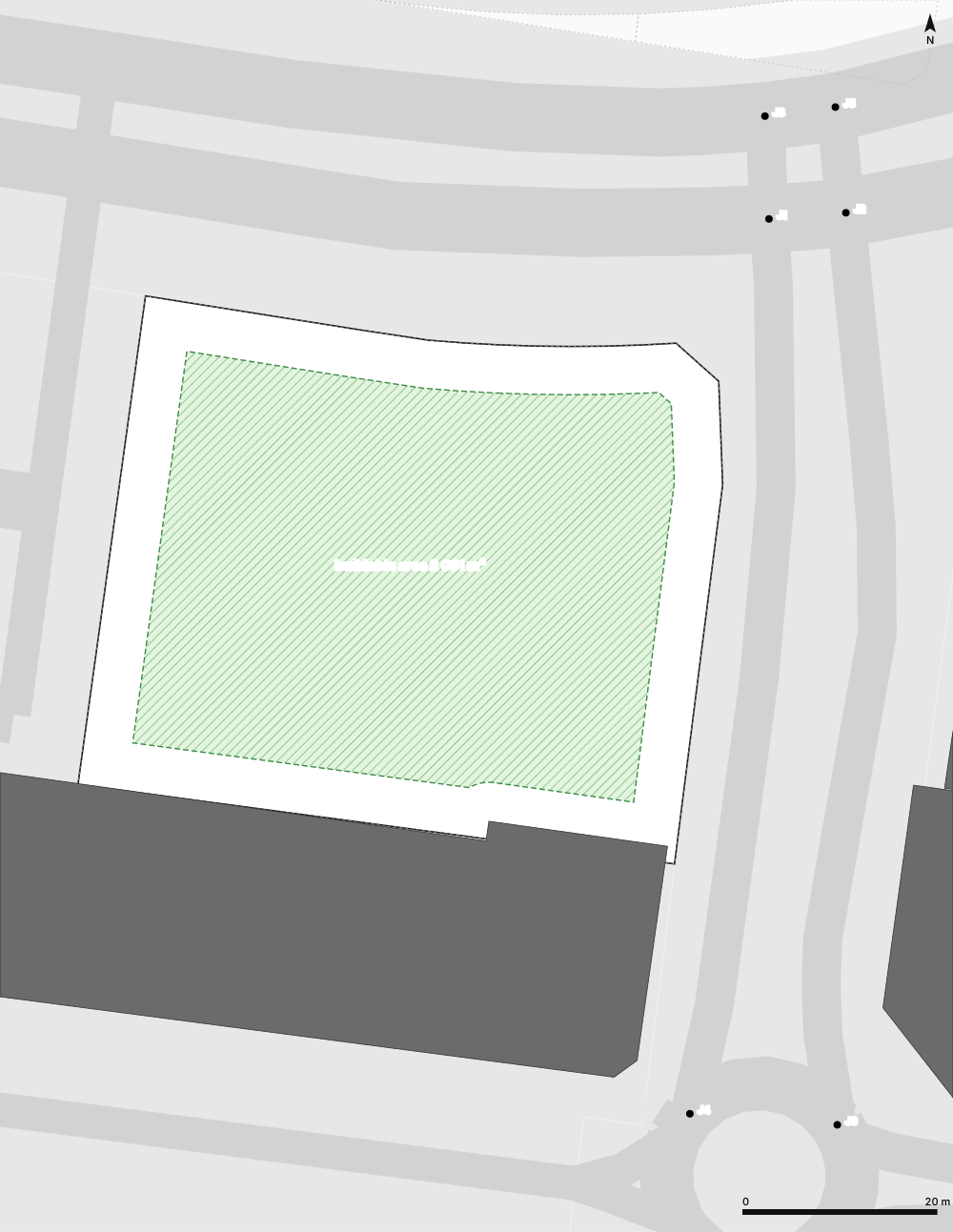
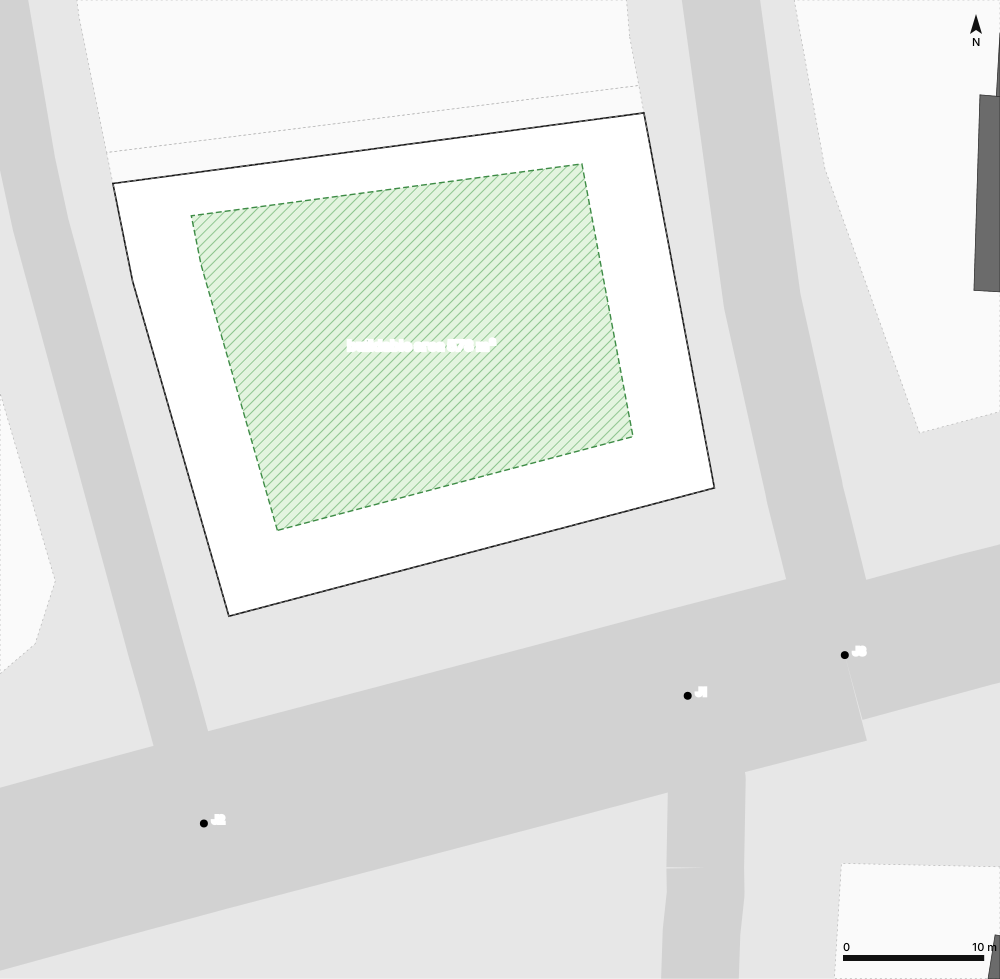
Building area
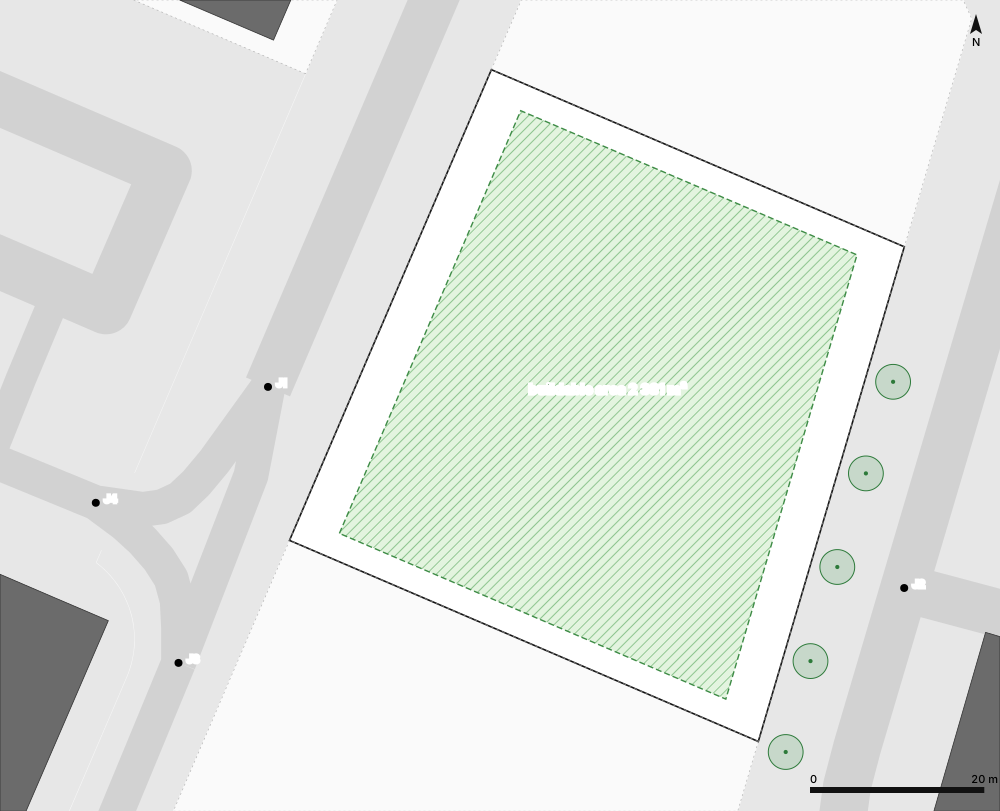
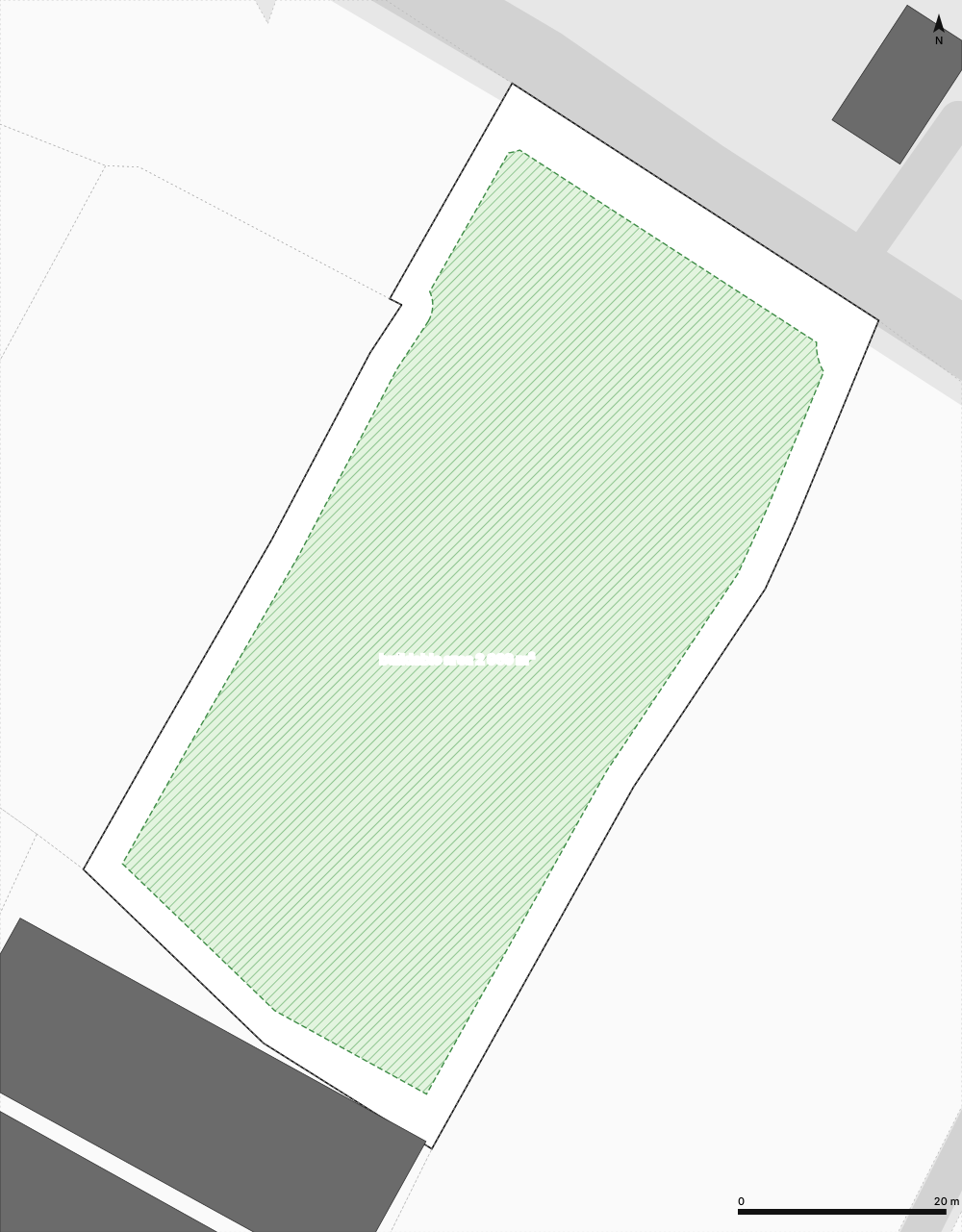
Where a building may stand once setbacks from roads, boundaries and neighbours are applied.
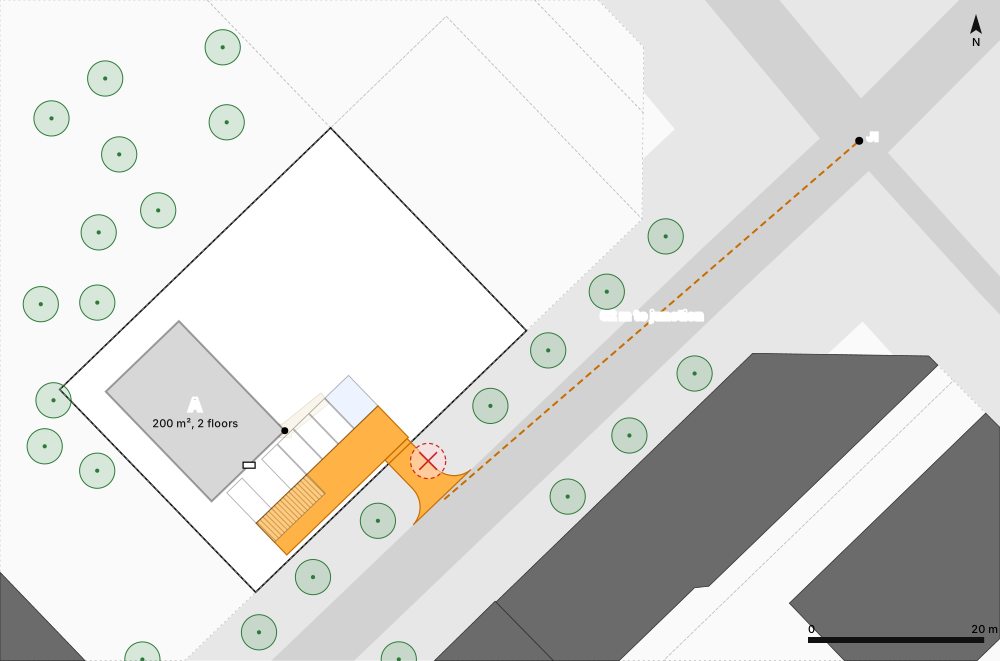
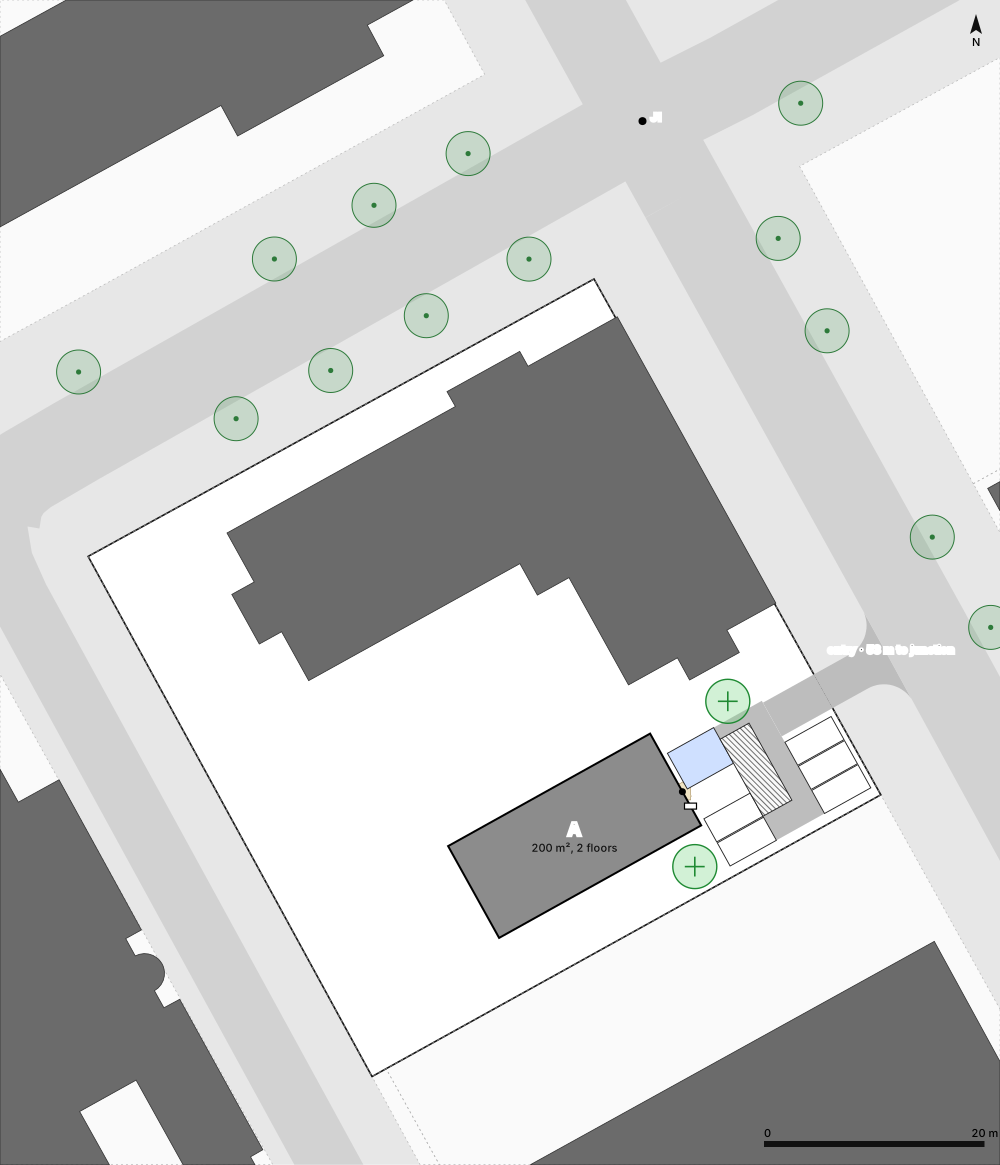
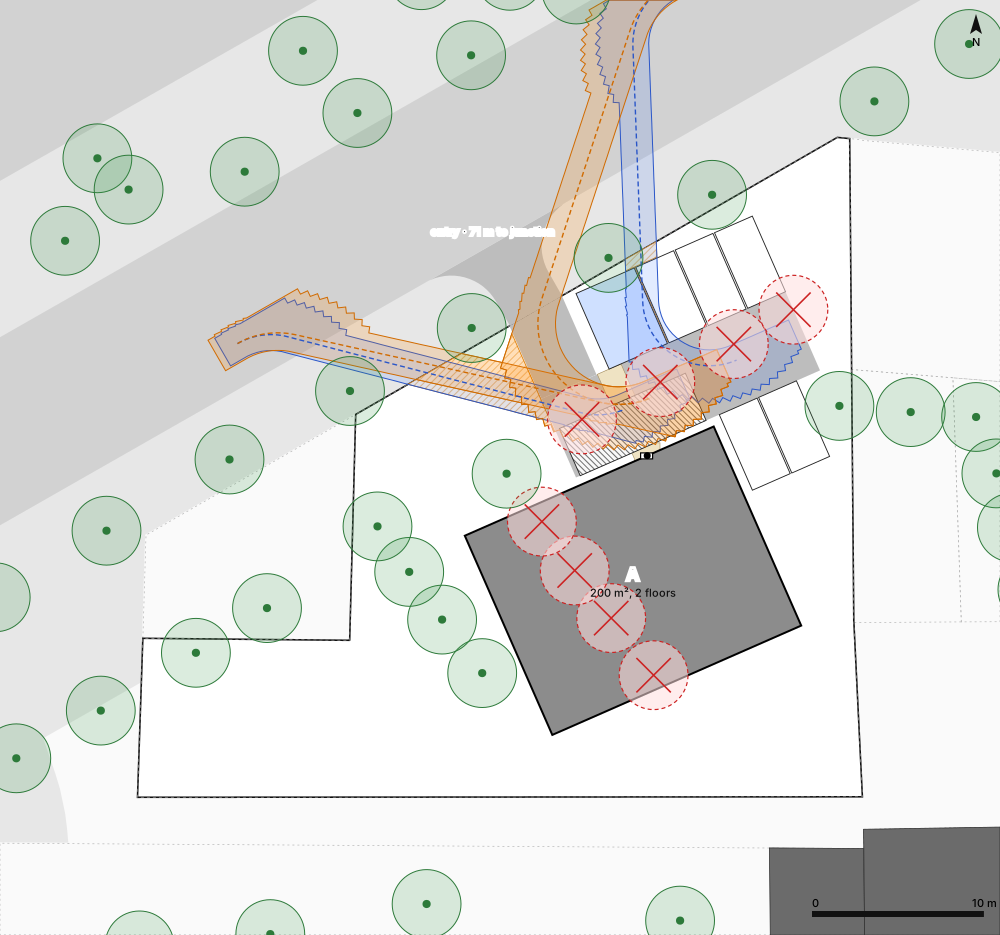
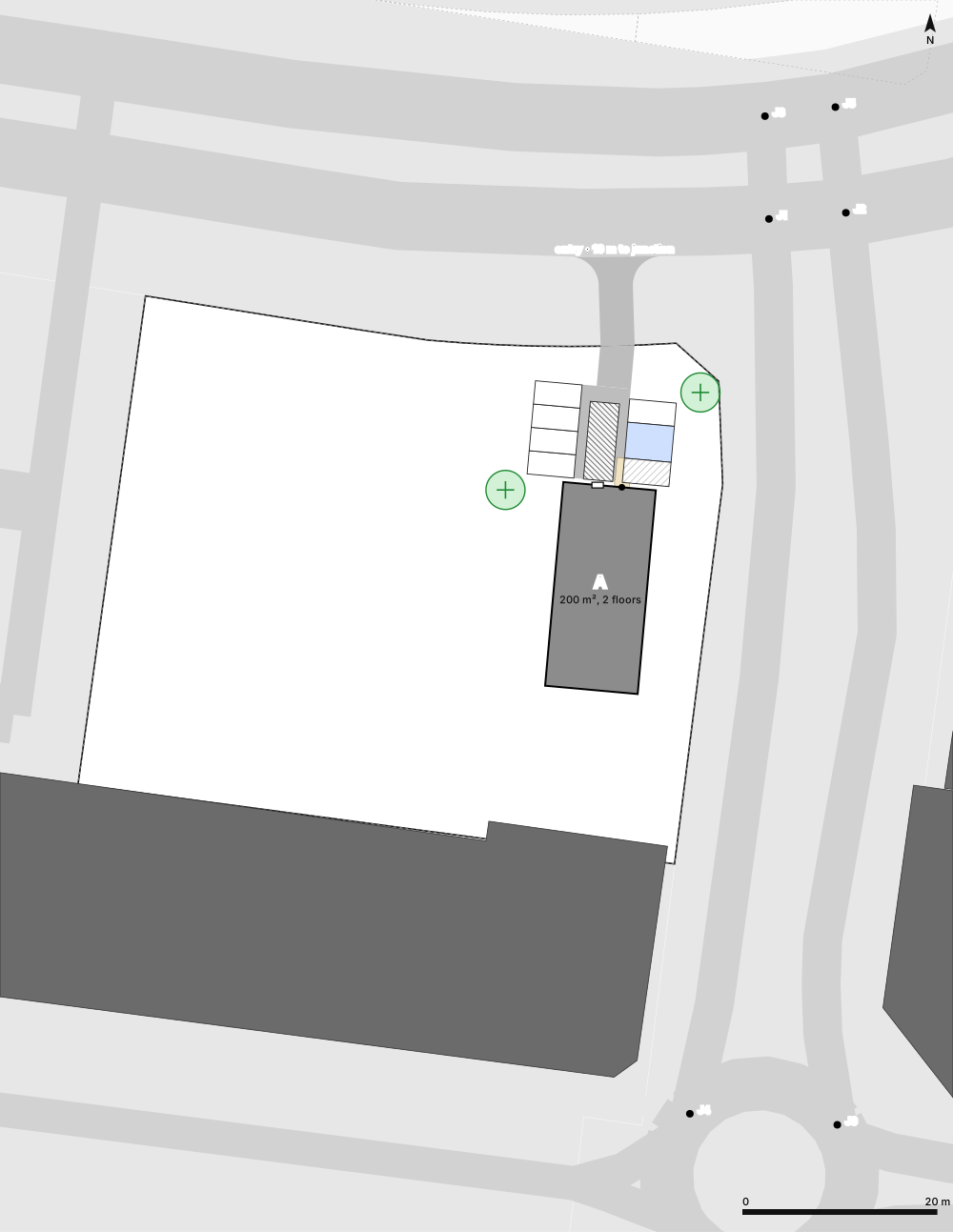
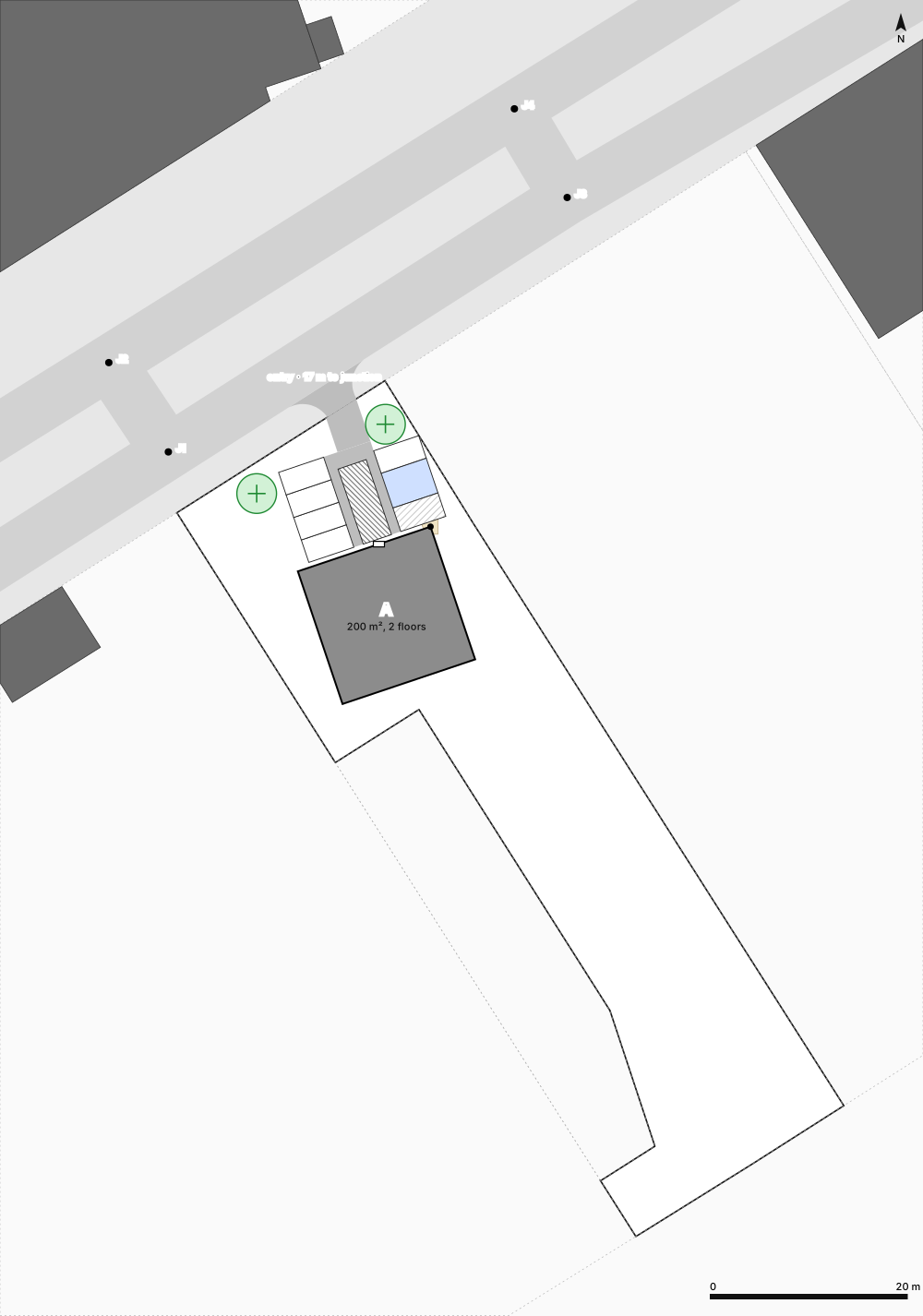
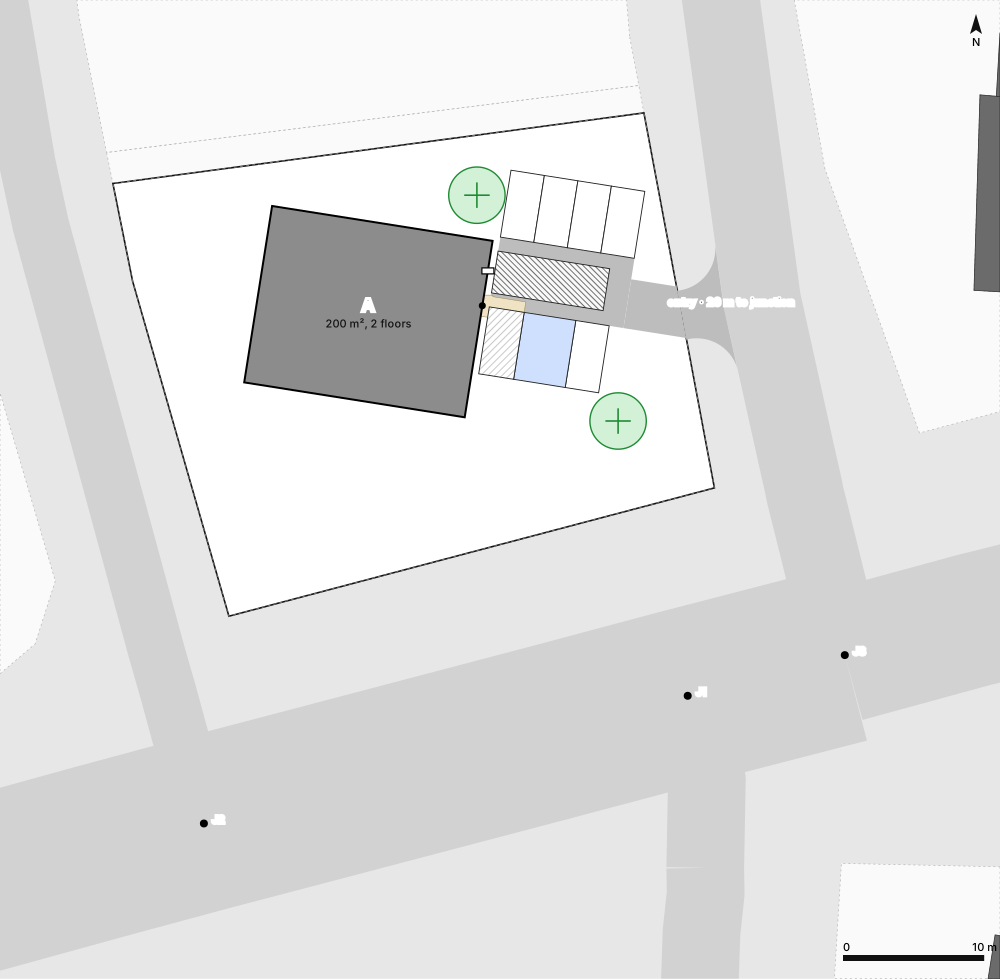
Entryways
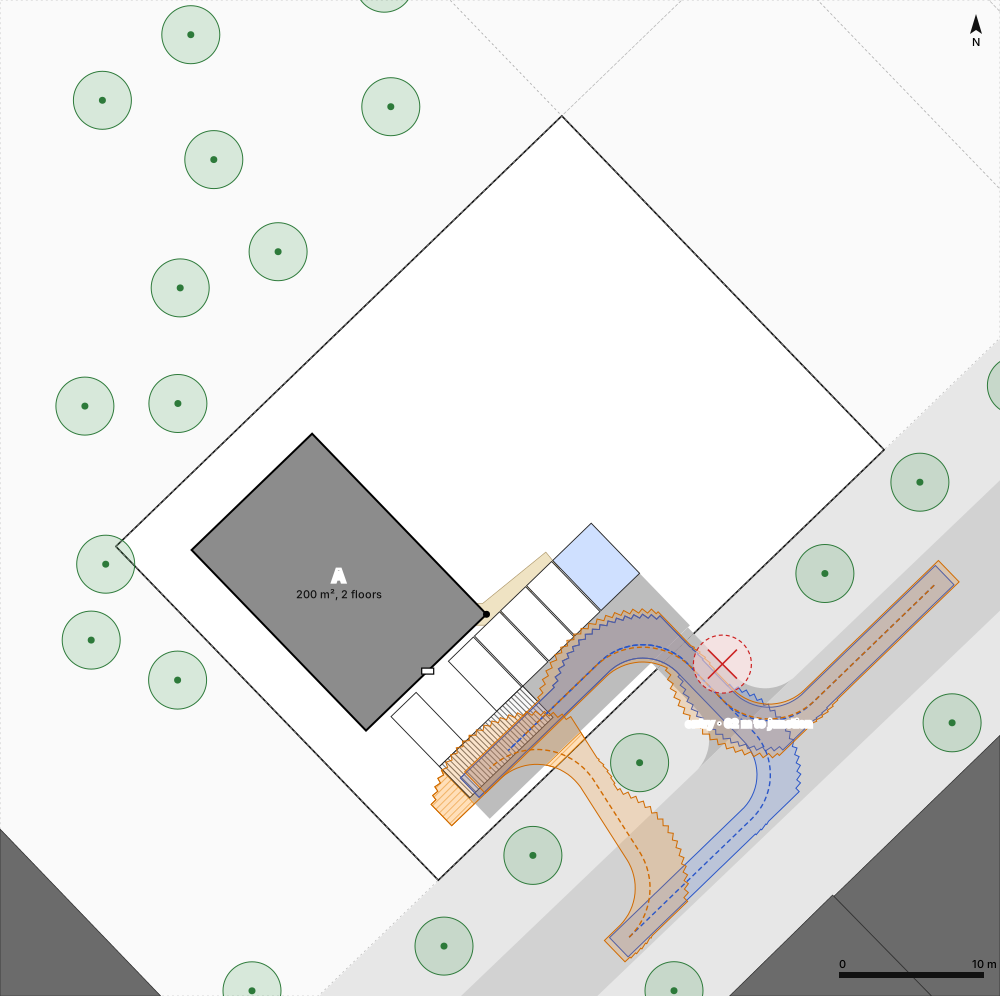
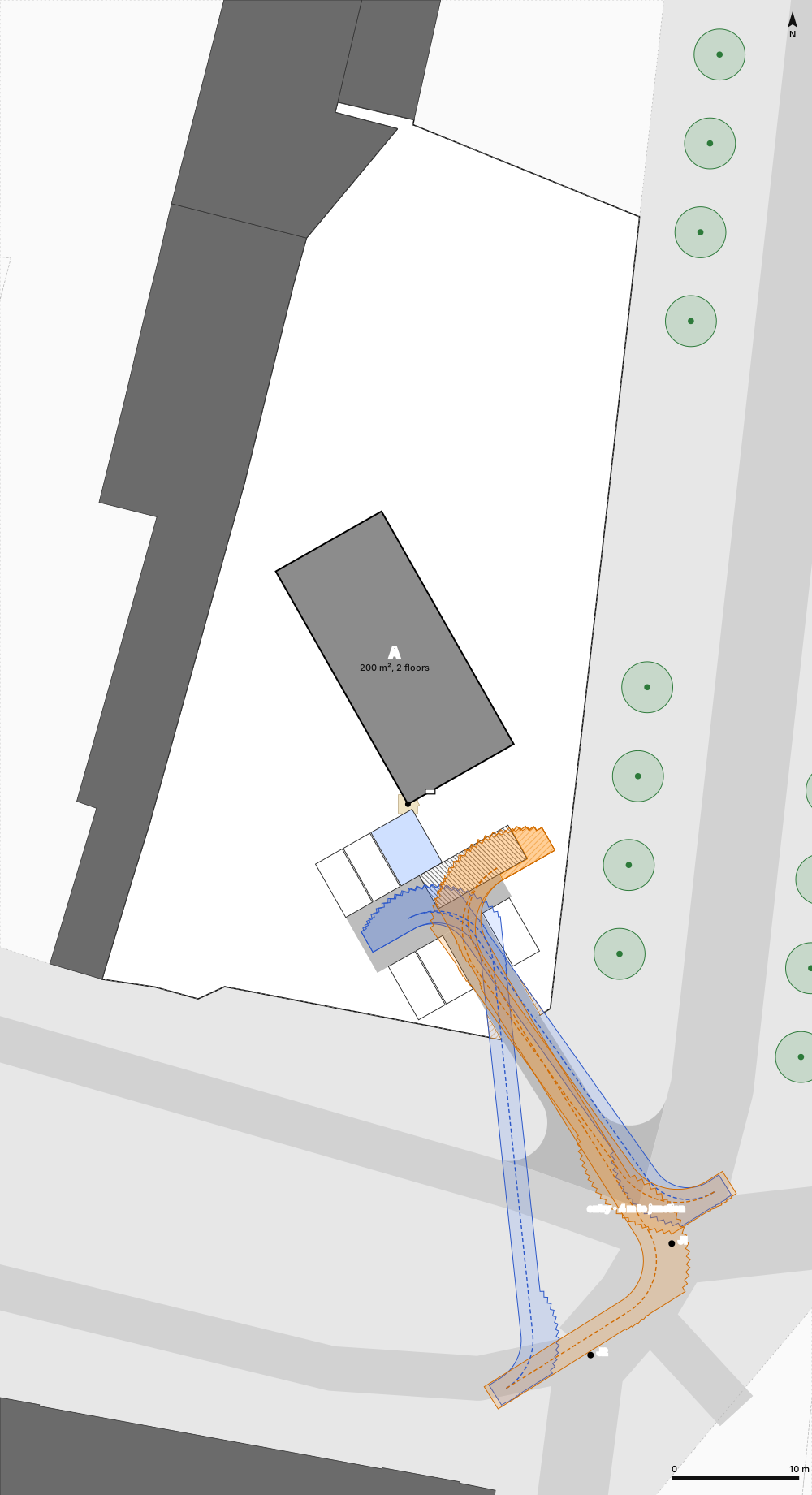
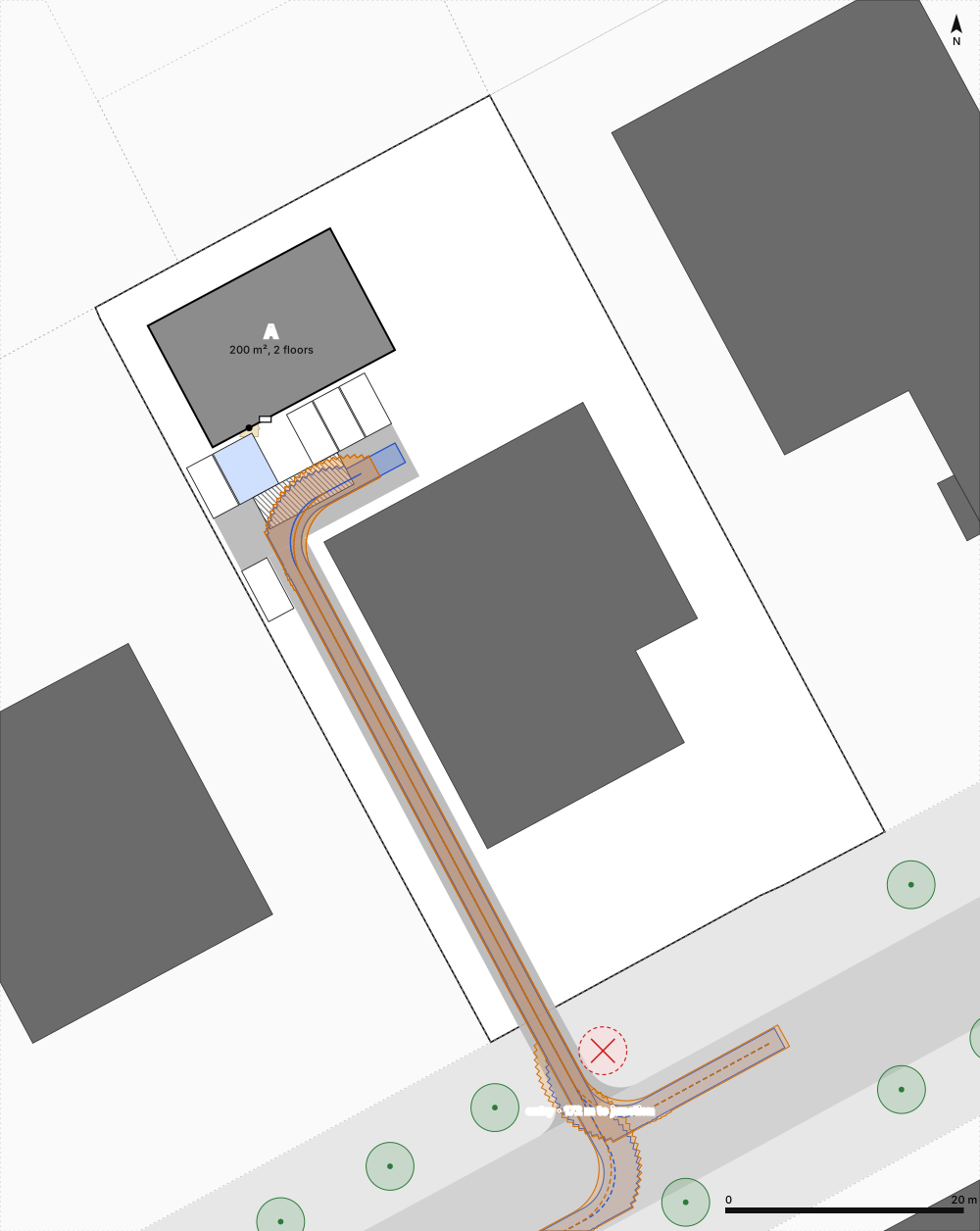
Where the drive meets the road, with its distance to the nearest junction.
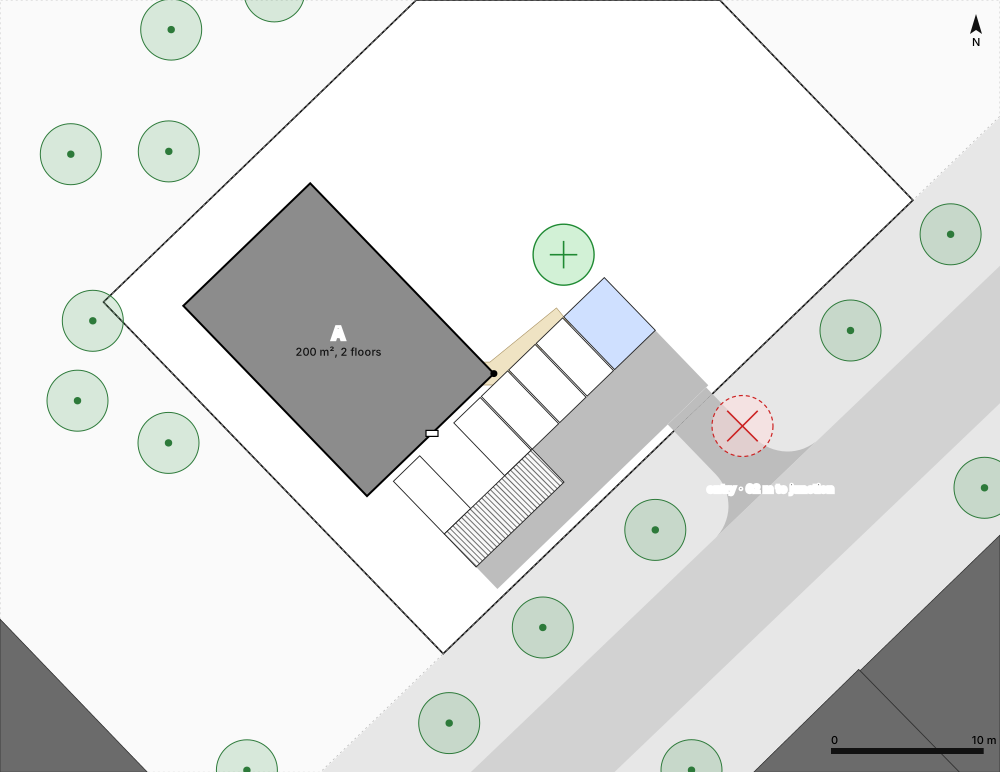
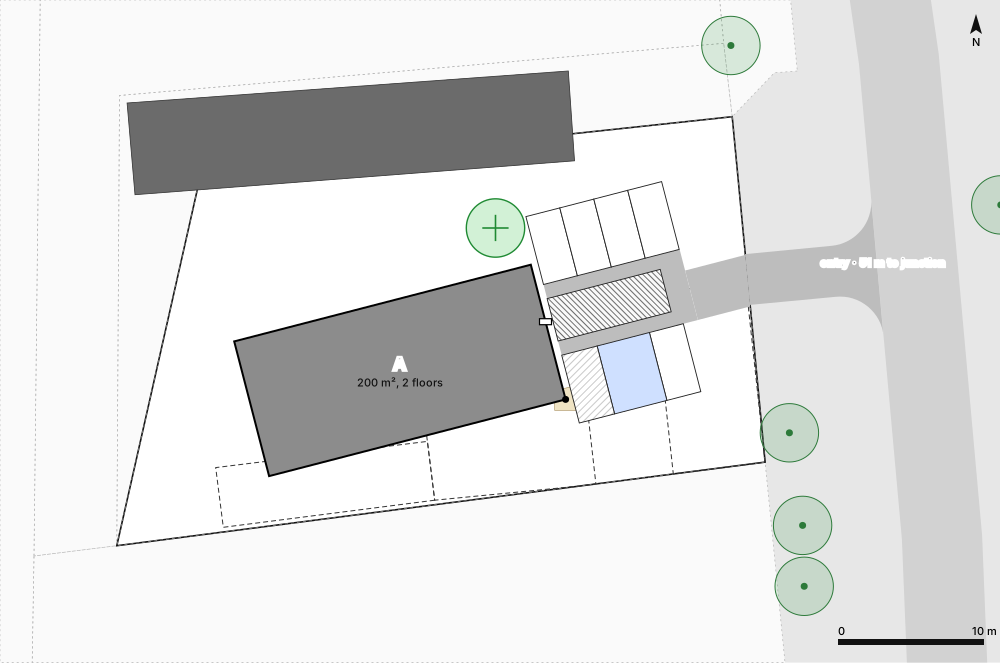
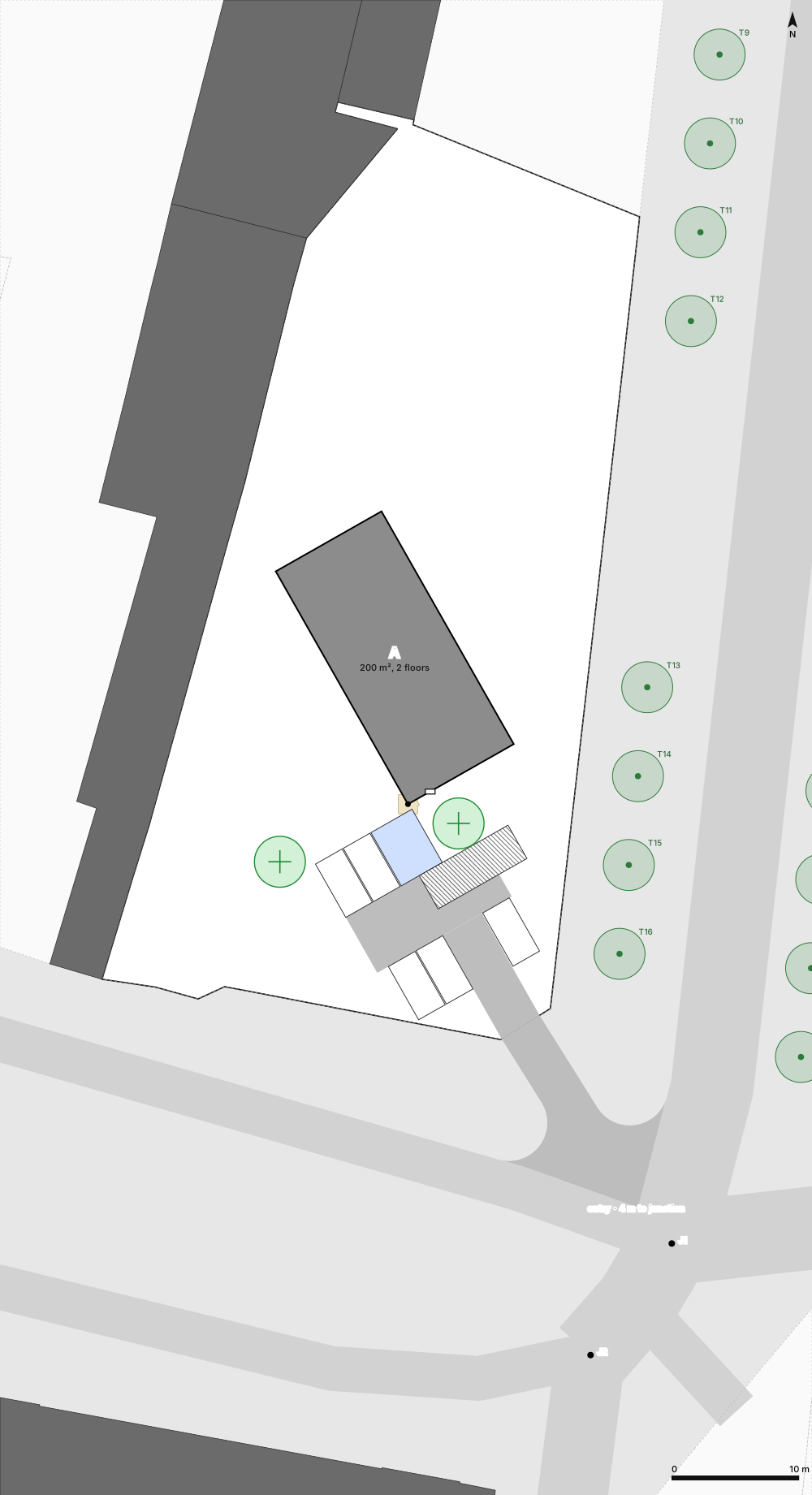
Parking and deliveries
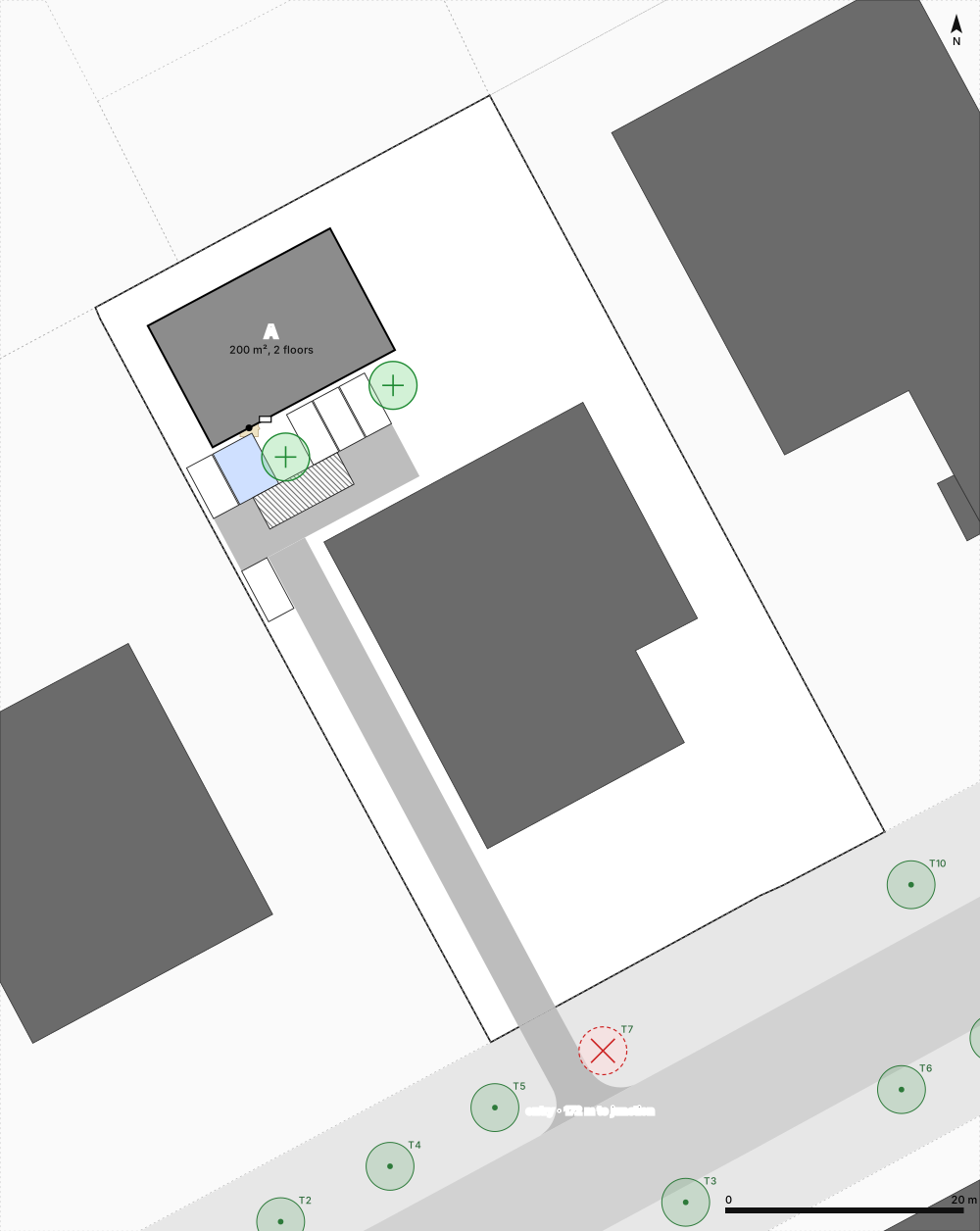
Stalls, accessible space, delivery bay at the storage door, turning space, ranked by trees and paving.
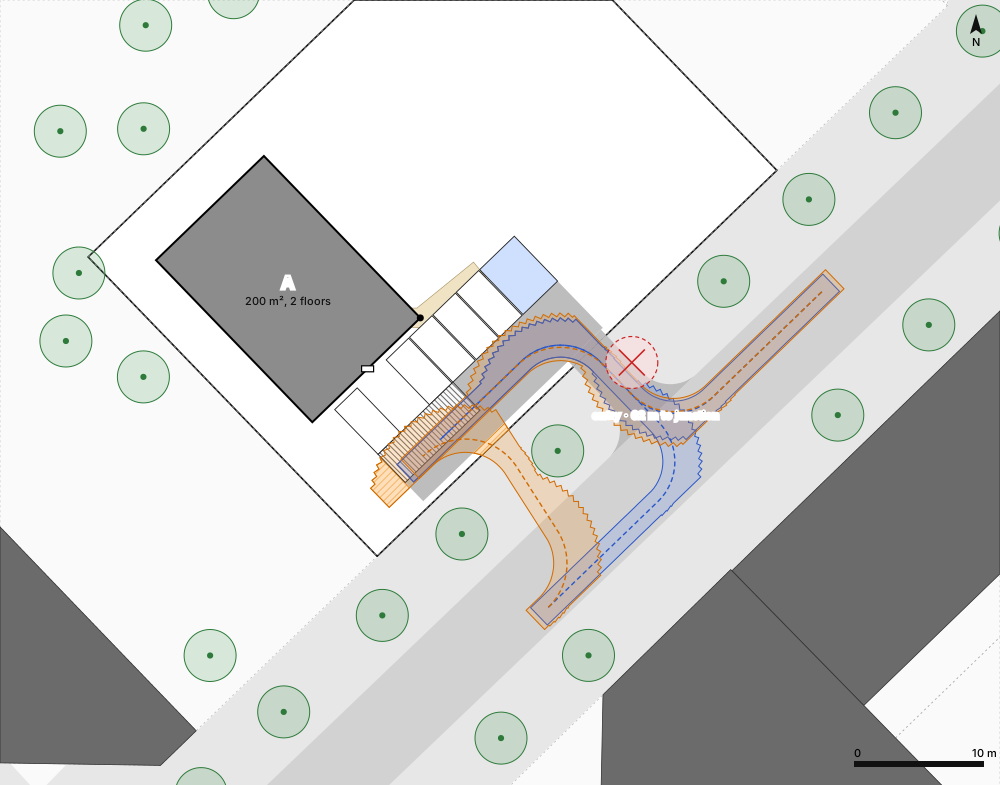
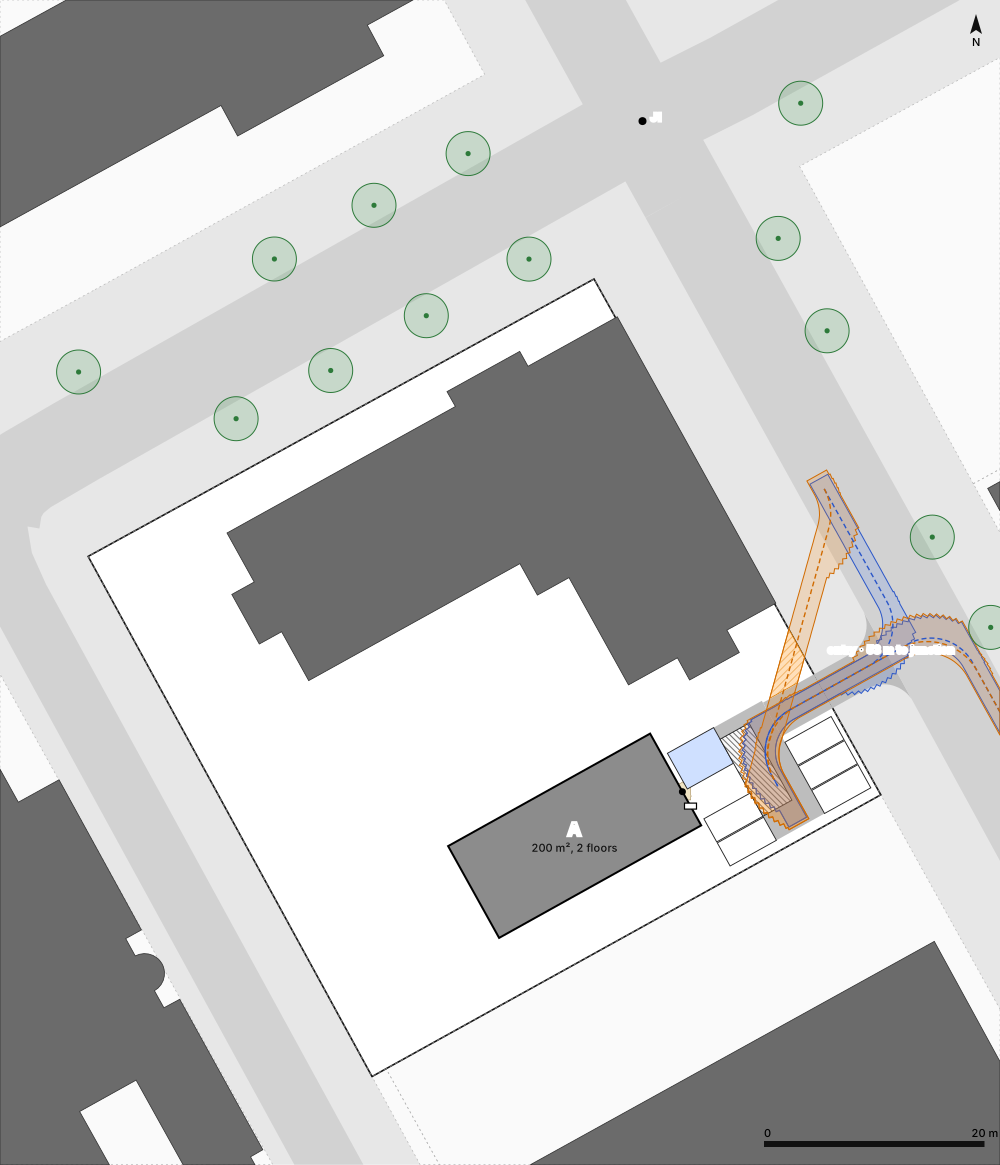
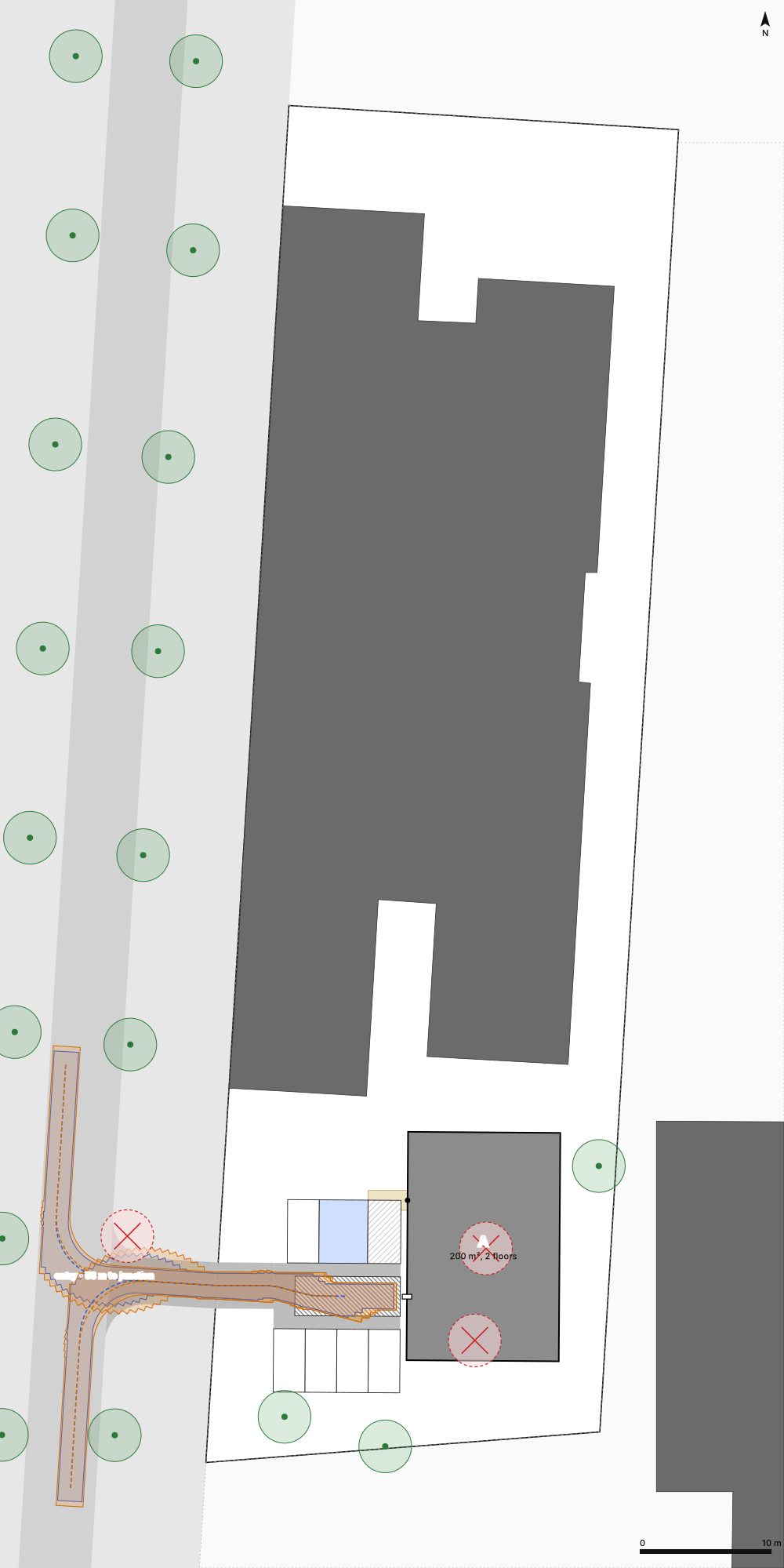
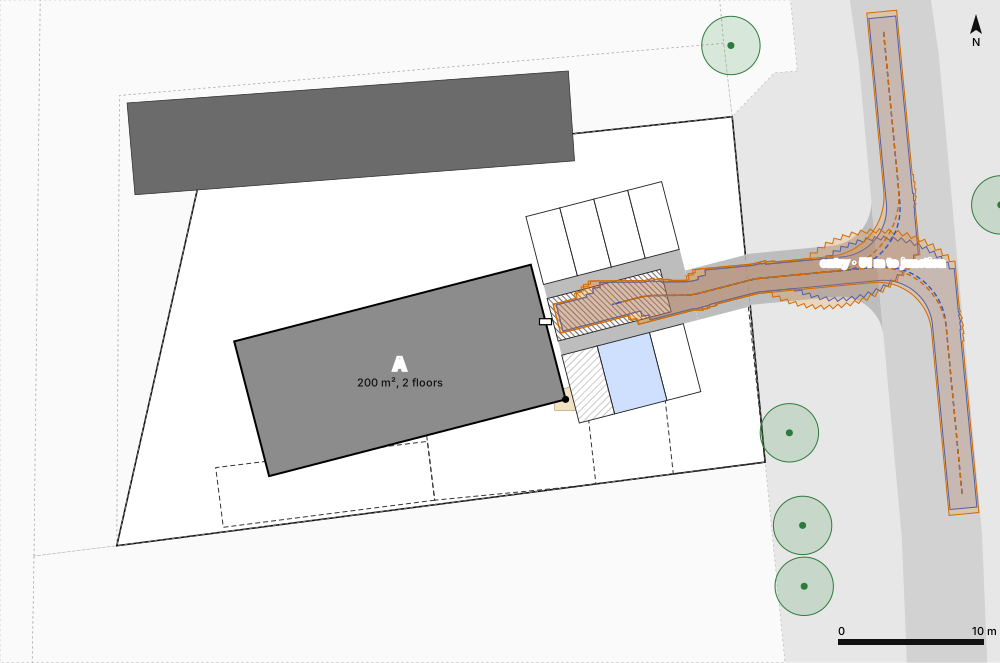
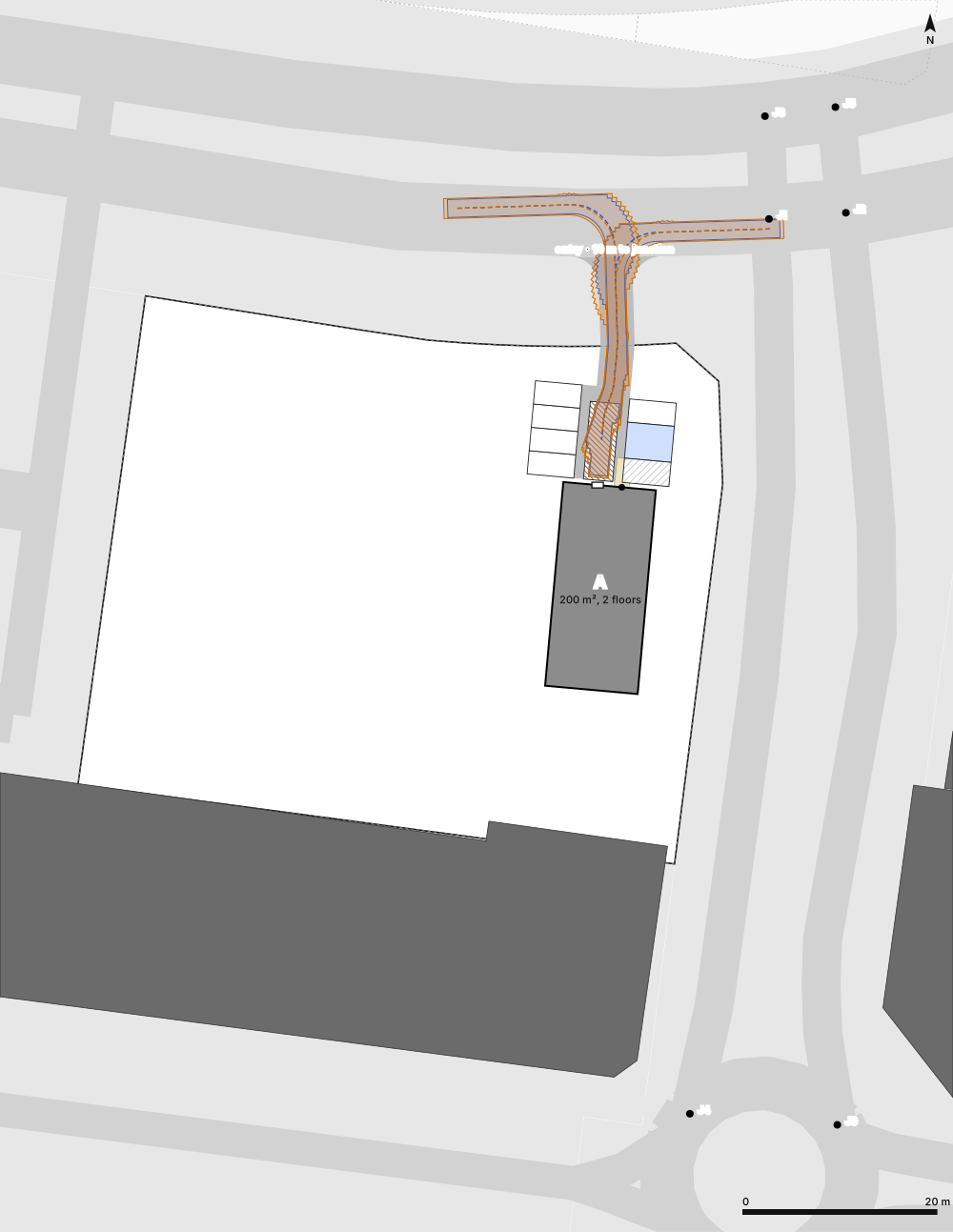
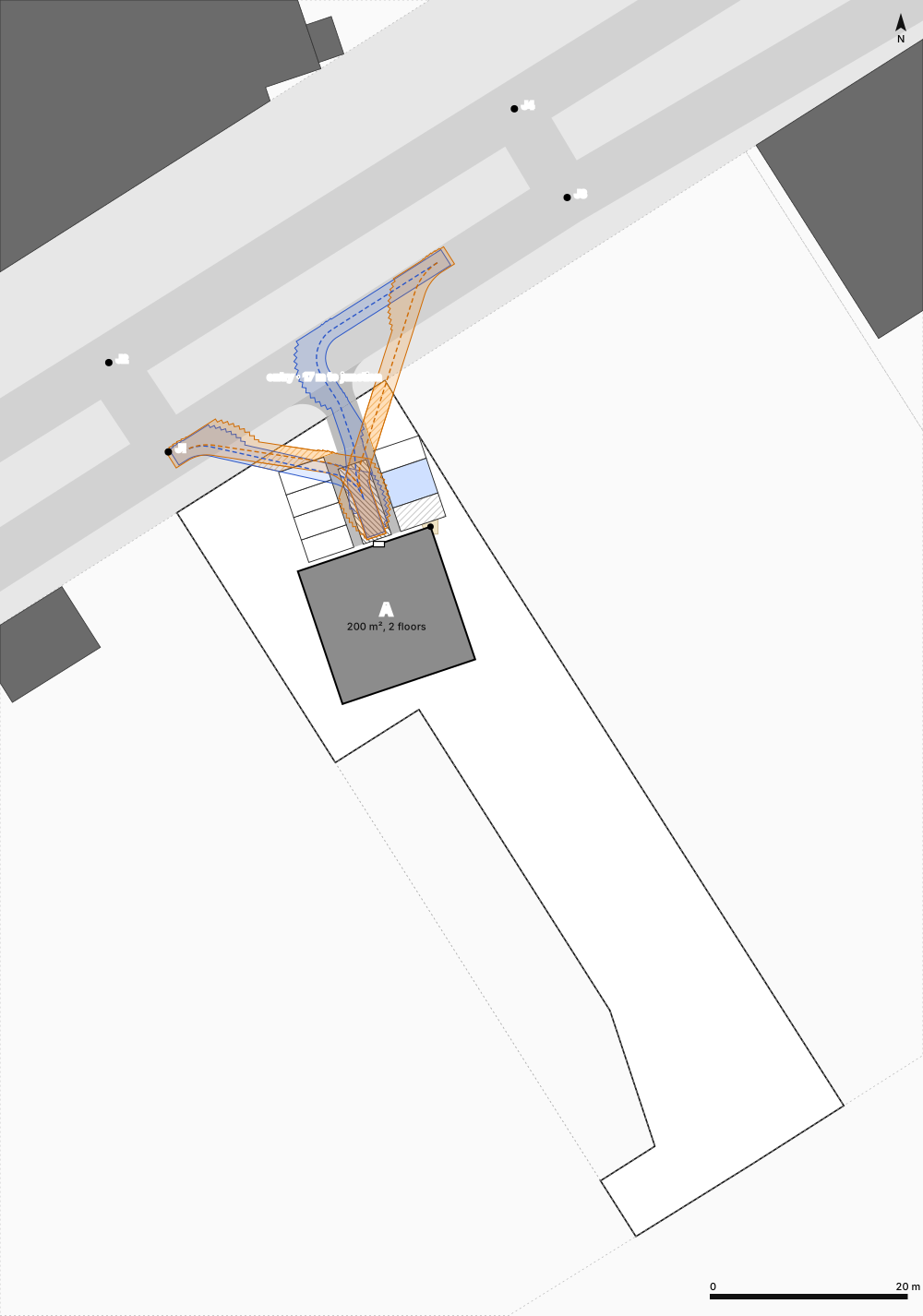
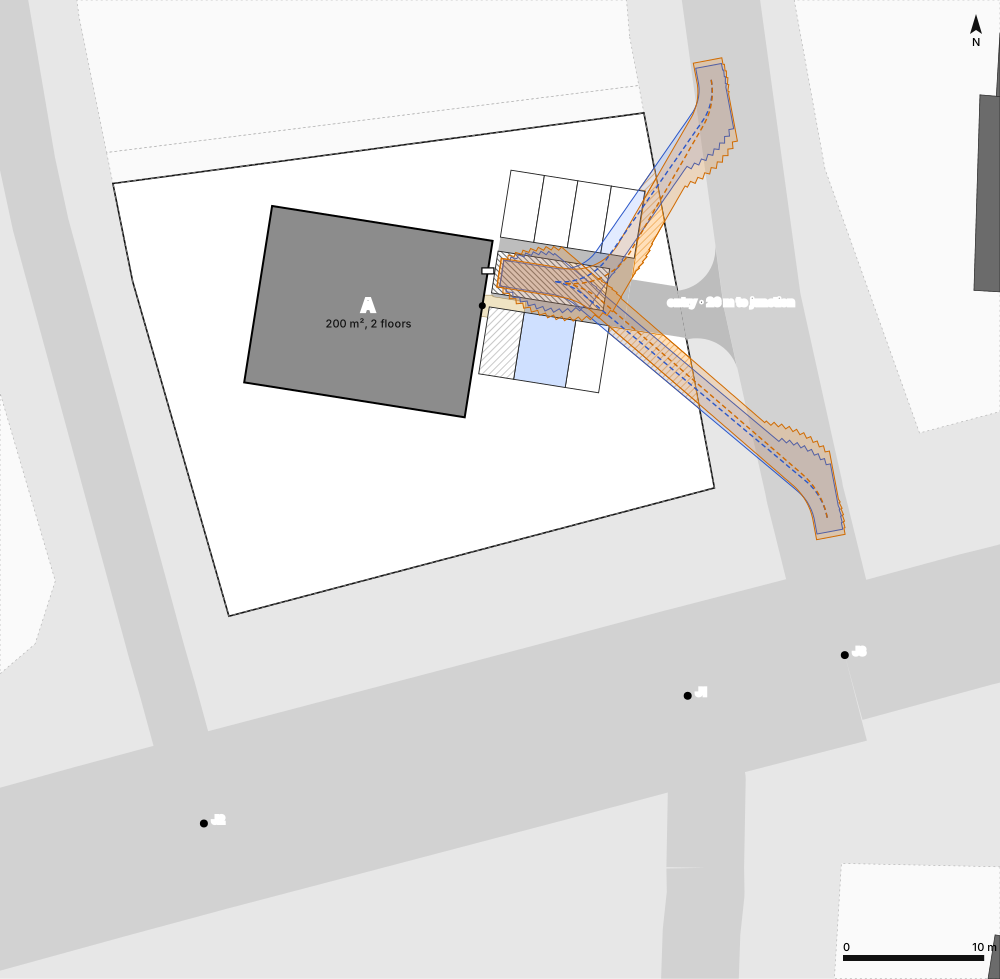
Vehicle paths
Swept paths of a car and a delivery van from both lanes, and the extra paving the drive mouth needs.
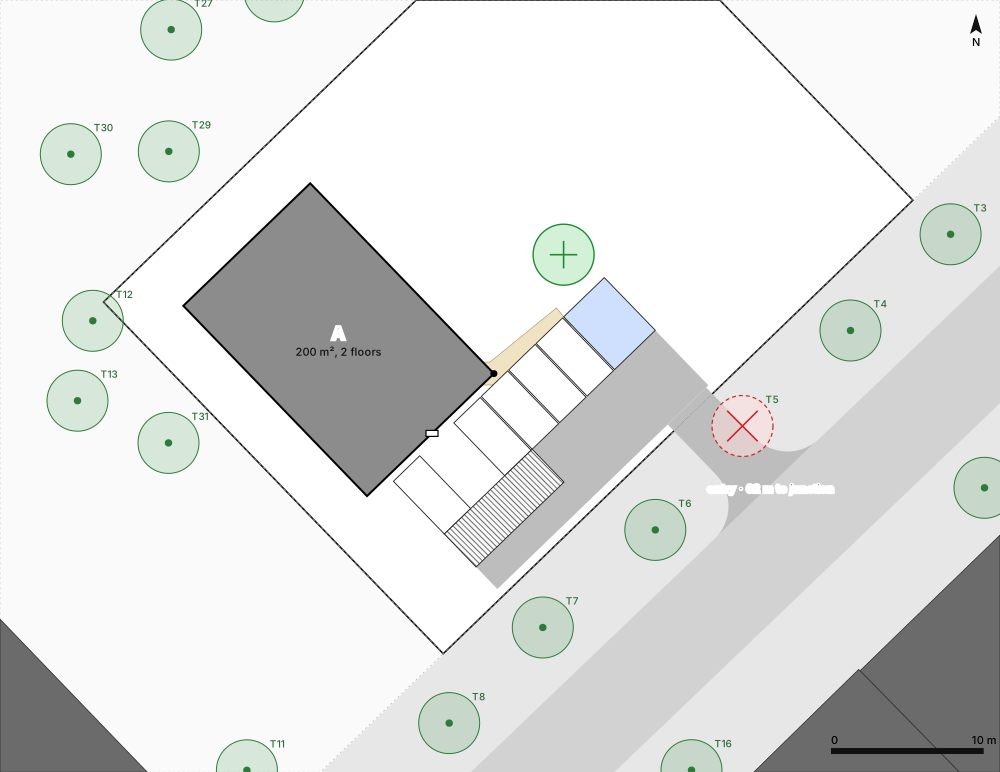
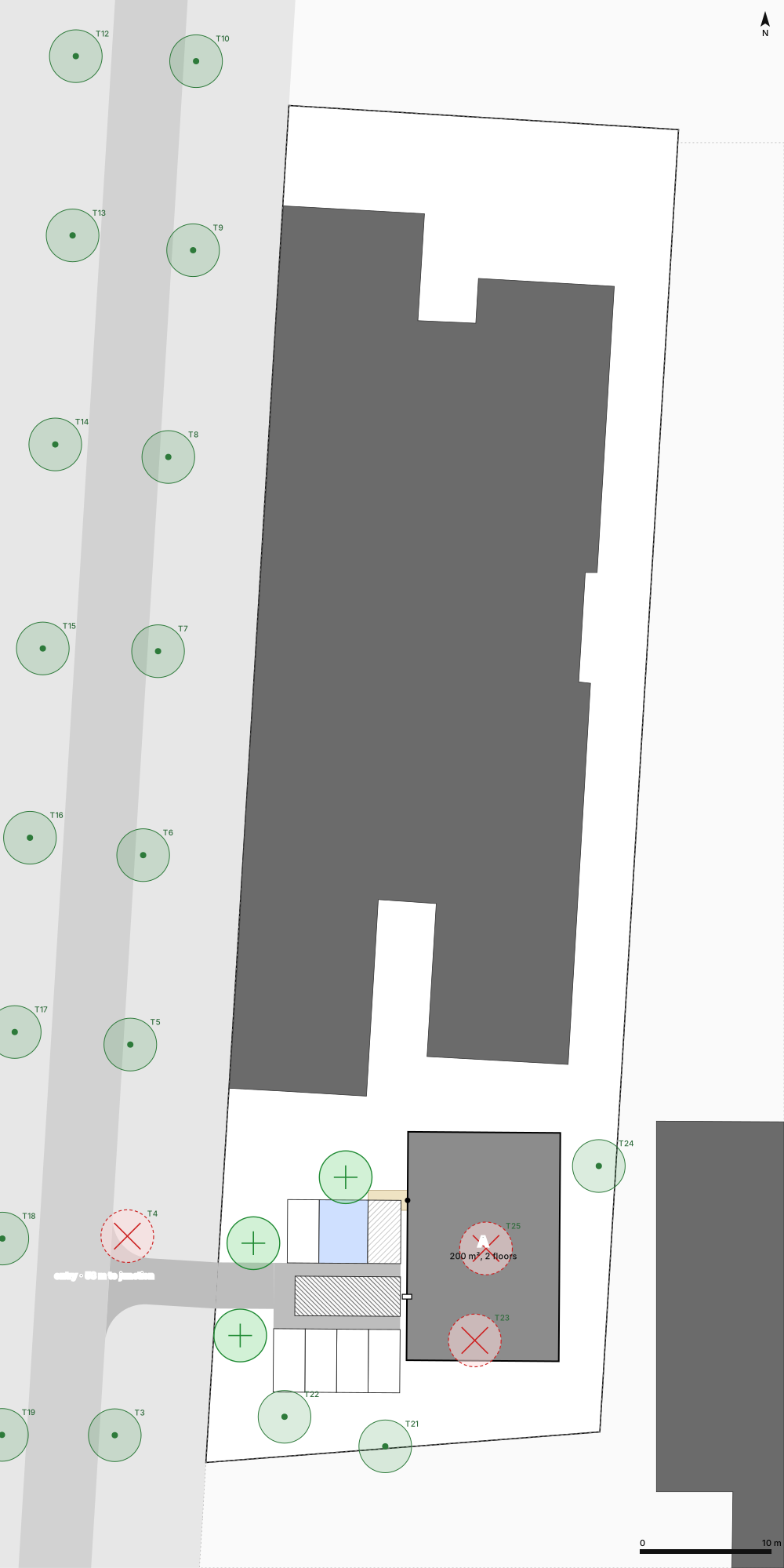
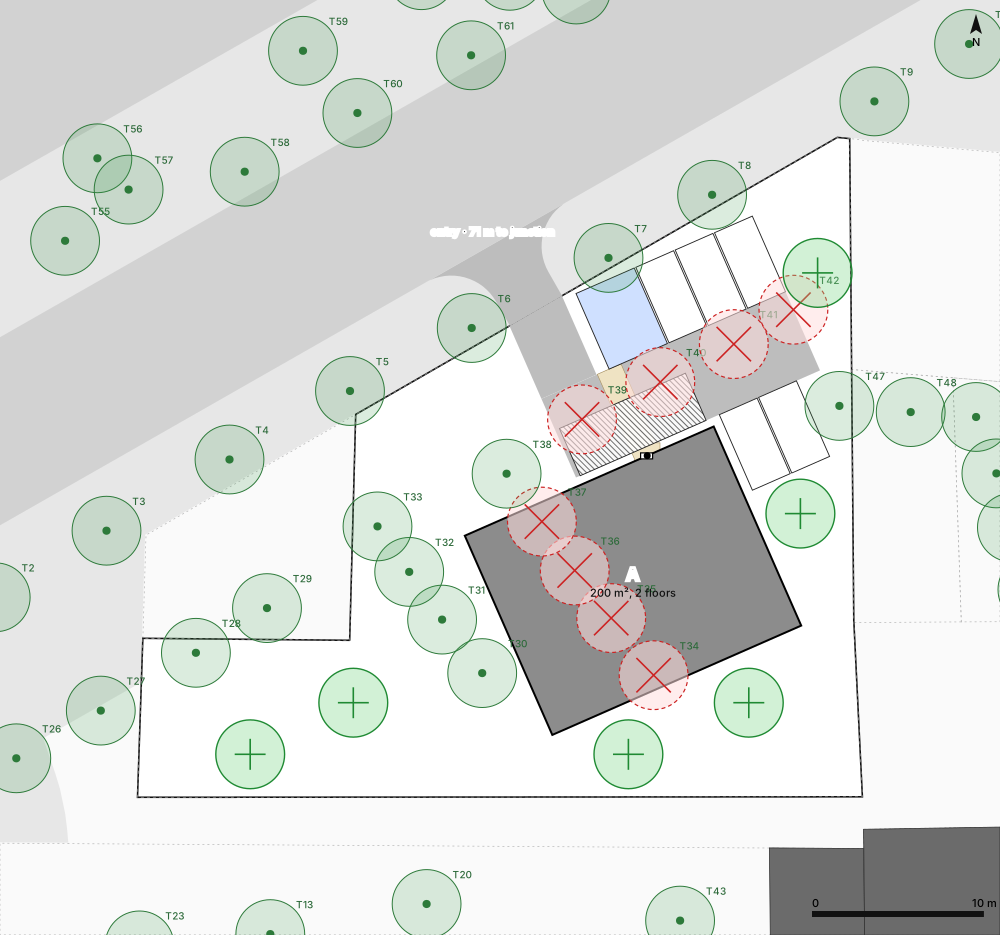
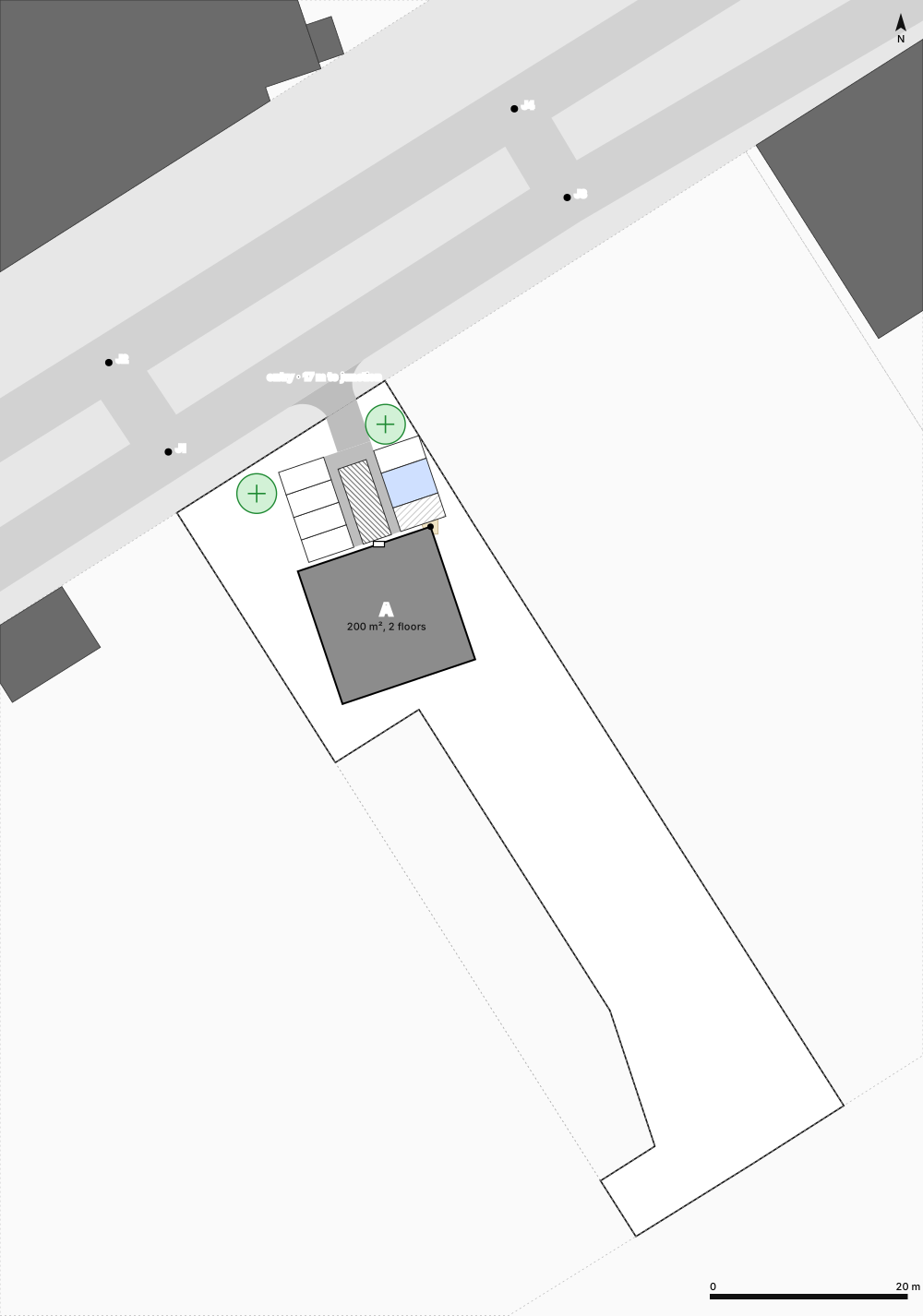
Trees: existing, removed, new
Which trees stay, which are affected, and where replacement trees can go. Trees can stay between stalls.
Add to your agent
Use it here in the chat, or from your own agent: add sitefit once and approve it. No API key to copy.
Claude Code
Run in a terminal and approve the link it shows, on this computer or your phone. Works over SSH too.
curl -fsSL https://sitefit-alpha.vercel.app/connect | sh -s claudeCodex
Run in a terminal and approve the link it shows, on this computer or your phone. Works over SSH too.
curl -fsSL https://sitefit-alpha.vercel.app/connect | sh -s codexClaude app (web, desktop, phone)
Settings → Connectors → Add custom connector, paste this URL, then Connect. It also works in the phone app.
https://sitefit-alpha.vercel.app/api/mcpChatGPT
Settings → Apps → Advanced → Developer mode, then Create: paste this URL and choose OAuth.
https://sitefit-alpha.vercel.app/api/mcpAny other agent
Paste this to your agent. It shows you a link; you click Approve and it gets its own key.
Connect to sitefit (https://sitefit-alpha.vercel.app): POST https://sitefit-alpha.vercel.app/api/v1/auth/device, show me the link, and once I approve, collect your API key from /api/v1/auth/device/token. API docs: https://sitefit-alpha.vercel.app/docsScripts and servers can use an API key instead; see Docs.